Image to Image AI

Free Img2Img AI Generator

Upload an image, describe the change, and dial in exact Denoising Strength (0.2–1.0), model choice, reference conditioning, and seed — free online with no signup.

01Upload Image
JPG · PNG · WEBP, up to 15MB

Upload Source Image

Street → Anime (0.6)

Street → Anime (0.6)
Try source preset:
02Strength (Denoising)
0.6 · 40% Structure Lock

0.6 is the sweet spot for style transfer — converts photos into anime, oil, or 3D while preserving layout.

03
192 / 5000
Quick parameter prompts:
ModelFree Online
Reference ImageOptional
Aspect Ratio
Output Format
Batch Count
View ResultStrength 0.6 · Flux Kontext
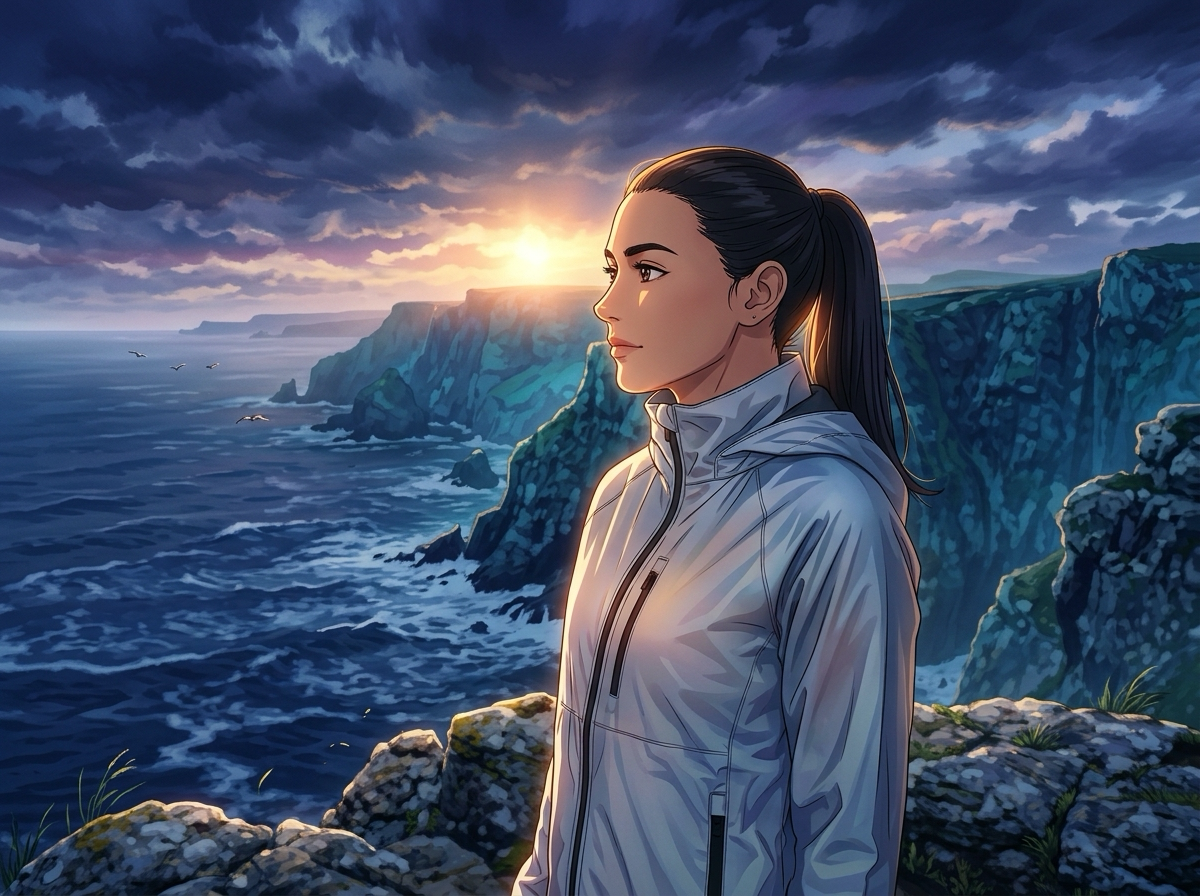
Generated output after img2img pass
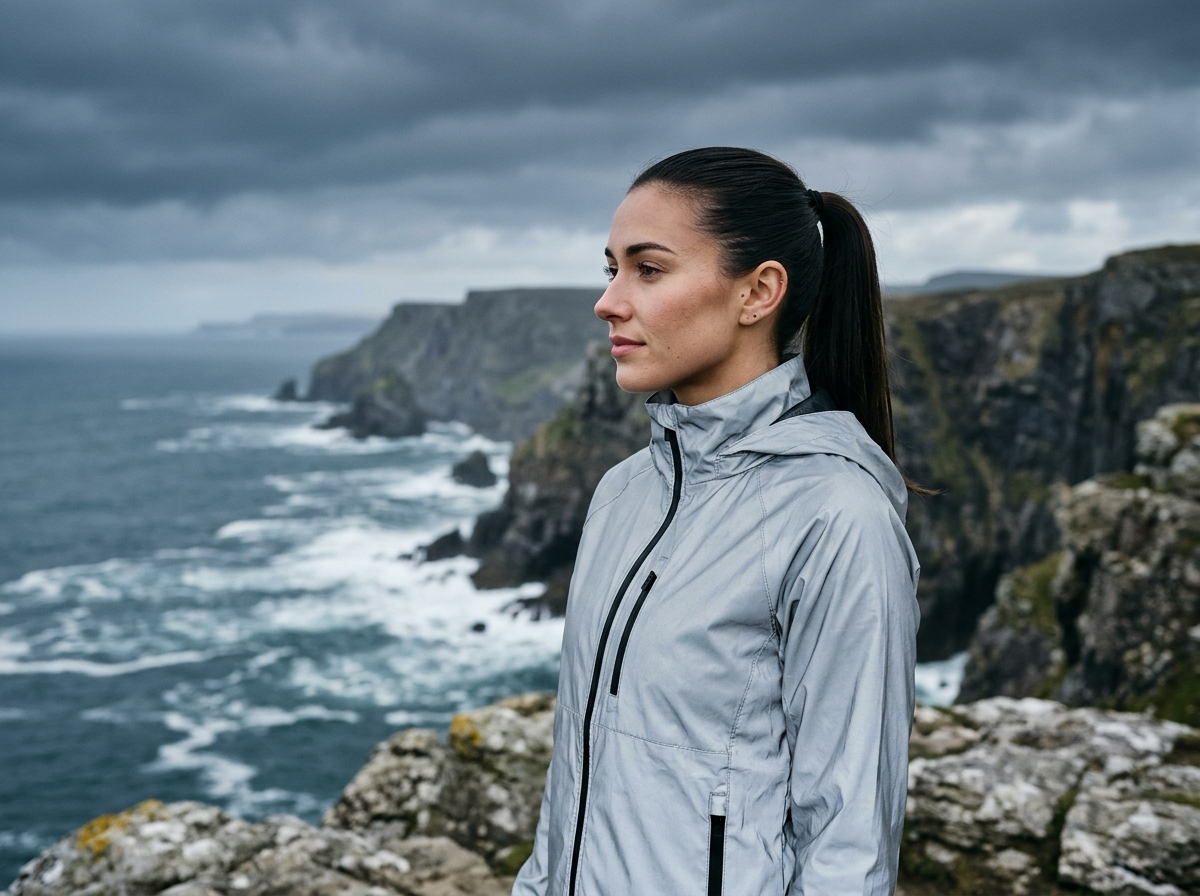
Source image before img2img transformation
BEFORE (SOURCE)AFTER (STRENGTH 0.6)
Strength 0.6Flux KontextSeed 482910 · 1×
Single Source · PNG

0.2–1.0 Denoising Strength

Control exactly how much of your source image structure is kept versus redrawn by the AI.

Nano Banana · Flux Kontext · GPT Image

Switch between fast iteration, structural context locking, and deep semantic instruction following.

Reference Image, Seed & Batch

Pair an optional style/subject reference image with a reproducible seed and 1–4 output count.

No Login & Zero Local Setup

Generate directly in the browser without Python, CUDA, ComfyUI nodes, or 16GB VRAM hardware.

How to Transform an Image with Img2Img in 4 Steps

Go from a base photo or sketch to a controlled img2img variation in four quick steps.

01 UPLOAD → 02 PROMPT → 03 STRENGTH → 04 GENERATE
01

Upload Your Source Image

Drop a JPG, PNG, or WEBP file up to 15MB into the upload slot — photos, 3D blockouts, or line art all work.

JPG · PNG · WEBP (15MB)
02

Describe the Target Change (0 / 5000)

Write what should change and stay locked, or click a quick preset chip.

0 / 5000 PROMPT
03

Set Denoising Strength, Model & Reference

Choose 0.2–1.0 Denoising Strength, pick Nano Banana, Flux Kontext, or GPT Image, and set Reference or Seed.

STRENGTH 0.2 – 1.0
04

Generate & Download — No Login Needed

Click Generate to run your img2img pass in the browser, compare Before & After, and download a clean file.

FREE · NO LOGIN

What Is Img2Img?

Why starting from an existing image in img2img gives you structural control text-only prompts cannot match.

Standard text-to-image begins from 100% random noise, inventing a new layout on every run.

Img2img encodes your photo into latent space and scales noise by your Denoising Strength, following original edges, depth, and pose. For one-click templates, visit our main image to image AI studio, while this workbench exposes full parameter controls.

TEXT TO IMAGE (FROM SCRATCH)

Starts from 100% Random Noise

100% NoiseText OnlyRandom Pose
Unconditioned starting scene

Words alone decide layout. Pose, camera angle, and perspective drift on every seed.

No source structure or pose lock
IMG2IMG (STRUCTURAL CONDITIONING)

Starts from Your Source Image + Controlled Strength

Source PhotoStrength 0.6Locked Pose
Source street photo inputIN
Img2Img restyled output keeping exact street geometryOUT

Preserves framing, silhouette, and lighting while redrawing style or material by your 0.2–1.0 Strength.

Exact geometry, depth & pose preserved

What Denoising Strength Does

Denoising Strength (0.2–1.0) is the core img2img parameter balancing source fidelity and redraw freedom.

Source before strength 0.2SOURCE
Output at denoising strength 0.20.2 OUT
STRENGTH 0.2 · MICRO DETAIL~80% Pixels Locked

0.2 — Subtle Img2Img Polish

A 0.2 img2img pass refines surface micro-texture and lighting while keeping facial identity, lens geometry, and folds intact.

Best used for:

Img2img portrait relighting, product photo cleanup, and subtle color grading.
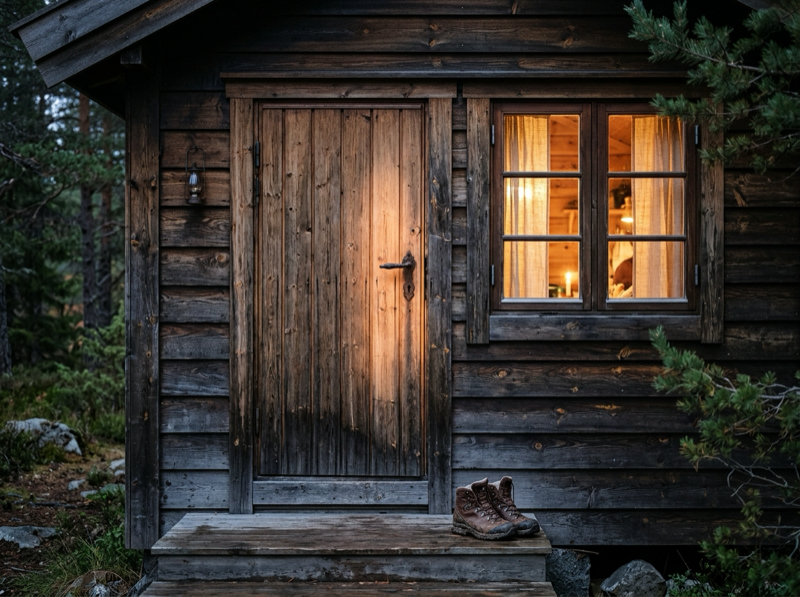
Source before strength 0.6SOURCE
Output at denoising strength 0.60.6 OUT
STRENGTH 0.6 · SWEET SPOT~40% Skeleton Locked

0.6 — Balanced Img2Img Style Transfer

At 0.6, img2img preserves spatial layout and silhouette while repainting the medium into anime cel-shading, oil paint, or 3D clay.

Best used for:

Img2img photo-to-anime conversion, sketch coloring, and material swaps.

Source before strength 1SOURCE
Output at denoising strength 11.0 OUT
STRENGTH 1.0 · FULL REDRAWLoose Seed Only

1.0 — Full Img2Img Reimagination

At 1.0, the img2img sampler uses your photo as a broad color seed while inventing fresh forms, lighting, and scenery.

Best used for:

Img2img concept ideation, turning rough blockouts into scenes, and bold variations.

Denoising Strength Parameter Cheat Sheet (0.2 – 1.0)Click any row to apply in generator

Img2Img vs Stable Diffusion & ComfyUI

Get Stable Diffusion WebUI and ComfyUI img2img parameter control in your browser without Python, 15GB checkpoints, or a 16GB GPU.

Setup
Local SD / ComfyUI:Python, Git, CUDA & 20GB checkpoints
Online Img2Img Workbench:Zero-install browser img2img studio
Hardware
Local SD / ComfyUI:12GB–24GB VRAM desktop GPU
Online Img2Img Workbench:Cloud GPUs for fast img2img on any device
Strength
Local SD / ComfyUI:Manual ComfyUI KSampler wiring
Online Img2Img Workbench:Calibrated 0.2–1.0 img2img strength selector
Models
Local SD / ComfyUI:Multi-GB downloads per model
Online Img2Img Workbench:Instant Nano Banana, Flux Kontext & GPT Image img2img
Reference & Seed
Local SD / ComfyUI:Manual IP-Adapter & ControlNet nodes
Online Img2Img Workbench:Built-in img2img Reference Image, Seed & Batch

6 Practical Img2Img Use Cases

How creators combine img2img Denoising Strength and model selection across six workflows.

Strength 0.2 – 0.4

Portrait Retouching

Use 0.2–0.4 strength to refine studio light or wardrobe colors while locking facial likeness and pose.

STRENGTH 0.2
Strength 0.6

Style Transfer

At 0.6 strength, repaint street shots or landscapes into watercolor, oil, or claymation while keeping perspective.

STRENGTH 0.6
Strength 0.6 – 0.8

Sketch & Line Art Coloring

Upload pencil sketches or wireframes at 0.6–0.8 strength to render shaded illustrations.

STRENGTH 0.8
Strength 0.2 – 0.4

E-Commerce Product Photos

Run a 0.2–0.4 pass to place product shots onto stone plinths while keeping label typography sharp.

STRENGTH 0.4
Strength 0.6

Anime & 2D Conversion

Turn portraits or cosplay photos into cel-shaded anime art with a 0.6 img2img pass that preserves posture.

STRENGTH 0.6
Strength 0.2

Quality & Detail Enhancement

Apply a 0.2 polish pass over rough drafts to sharpen fabric weave and surface micro-texture.

STRENGTH 0.2

What Creators Say About Our Img2Img Editor

Feedback from artists and designers using our browser img2img workbench.

Verified Workspace Specs: 0.2–1.0 Denoising Strength · 5000-Char Prompt Limit · 15MB Upload · Free No-Login Generation
Strength 0.2 & 0.6 · Chrome
“Away from my desktop rig, I still need real Denoising Strength control. Toggling between 0.2 face lock and 0.6 img2img style transfer in Chrome is a lifesaver.”
AV

Alexei Volkov

Environment Concept Artist

Flux Kontext · Line Art
“I drop iPad line sketches into this img2img tool at 0.6 on Flux Kontext with a Reference palette. It turns coloring into 10-second passes with no login.”
NM

Nina Morales

Editorial & Character Illustrator

Zero Local GPU Setup
“Our marketing team lacked GPUs for ComfyUI. This web img2img editor gives them Seed lock, Reference Image, and Strength presets instantly.”
SP

Samir Patel

Creative Technologist

FAQ about Img2Img

Clear answers on img2img denoising strength, text-to-image differences, ComfyUI workflows, and free access.

Img2img (image-to-image) is an AI workflow combining an input image and a text prompt. Instead of random noise, img2img uses your photo composition, edges, and color layout as a foundation and redraws it by your Denoising Strength.

Control Every Img2Img Pass from 0.2 to 1.0

Upload an image, describe the change, and control how far AI redraws it. Free online img2img editor with adjustable strength, model choice and no install.