FAN-MADE · NOT OFFICIAL

GTA 6 Wallpaper Maker

Upload any photo or start from a prompt in this GTA 6 wallpaper maker to generate a cel-shaded 16:9 desktop or 9:16 iPhone wallpaper in seconds.

8 Copy-Ready Prompts
2 free/dayNo watermarkNo sign-upFree limits
Need true 3840×2160 4K sharpness?AI Image Upscaler
Open Img2Img Workbench
Upload Photo (Optional)
Try a sample:
Wallpaper Size
12 GTA-Style Presets
252 / 1000
BEFOREBEFORE
GTA-STYLEGTA-STYLE

Pick Your Size: 4K Desktop, 1920×1080, iPhone

Choose the right aspect ratio before generating so your wallpaper fits desktop monitors and tall smartphone lock screens without awkward cropping. Direct runs export at 1K (free) or 2K (Pro), and a true GTA 6 wallpaper 4K file upscales cleanly in one extra step.

Swipe horizontally →
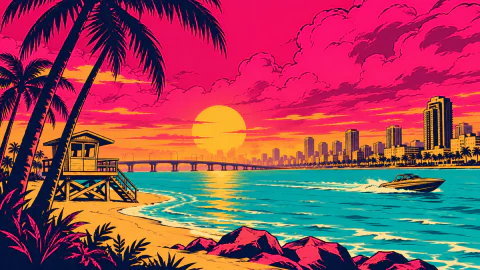
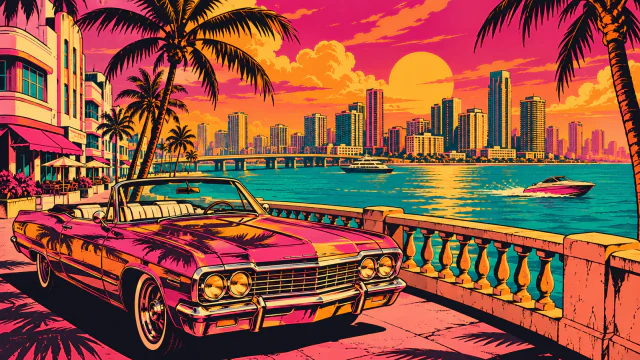
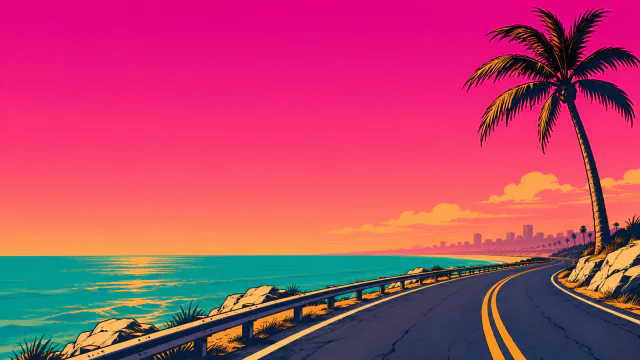
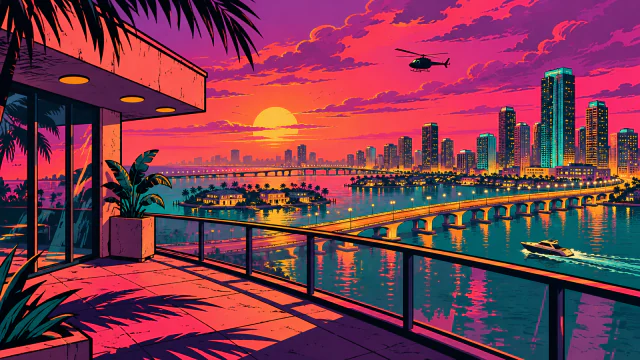
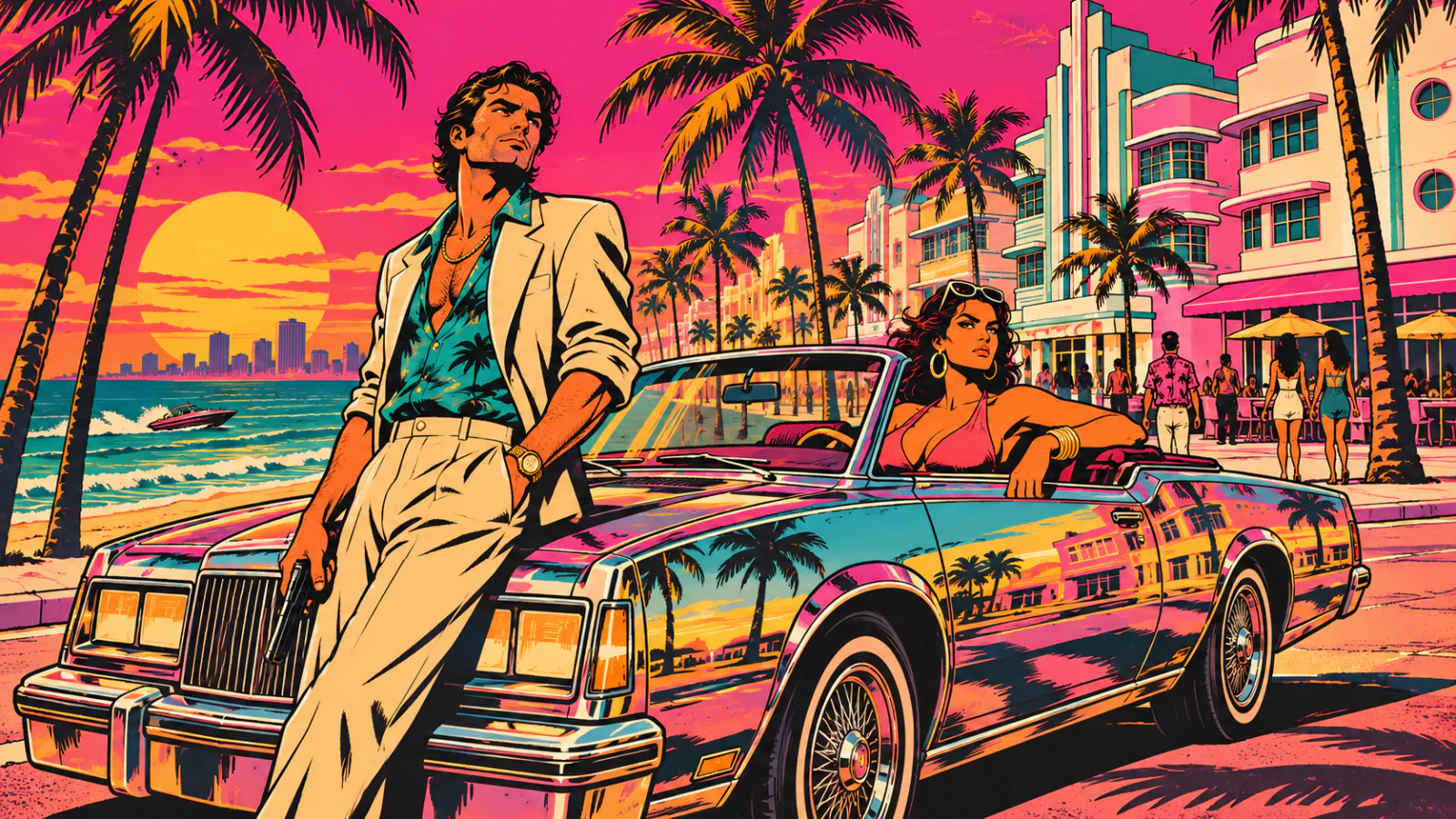
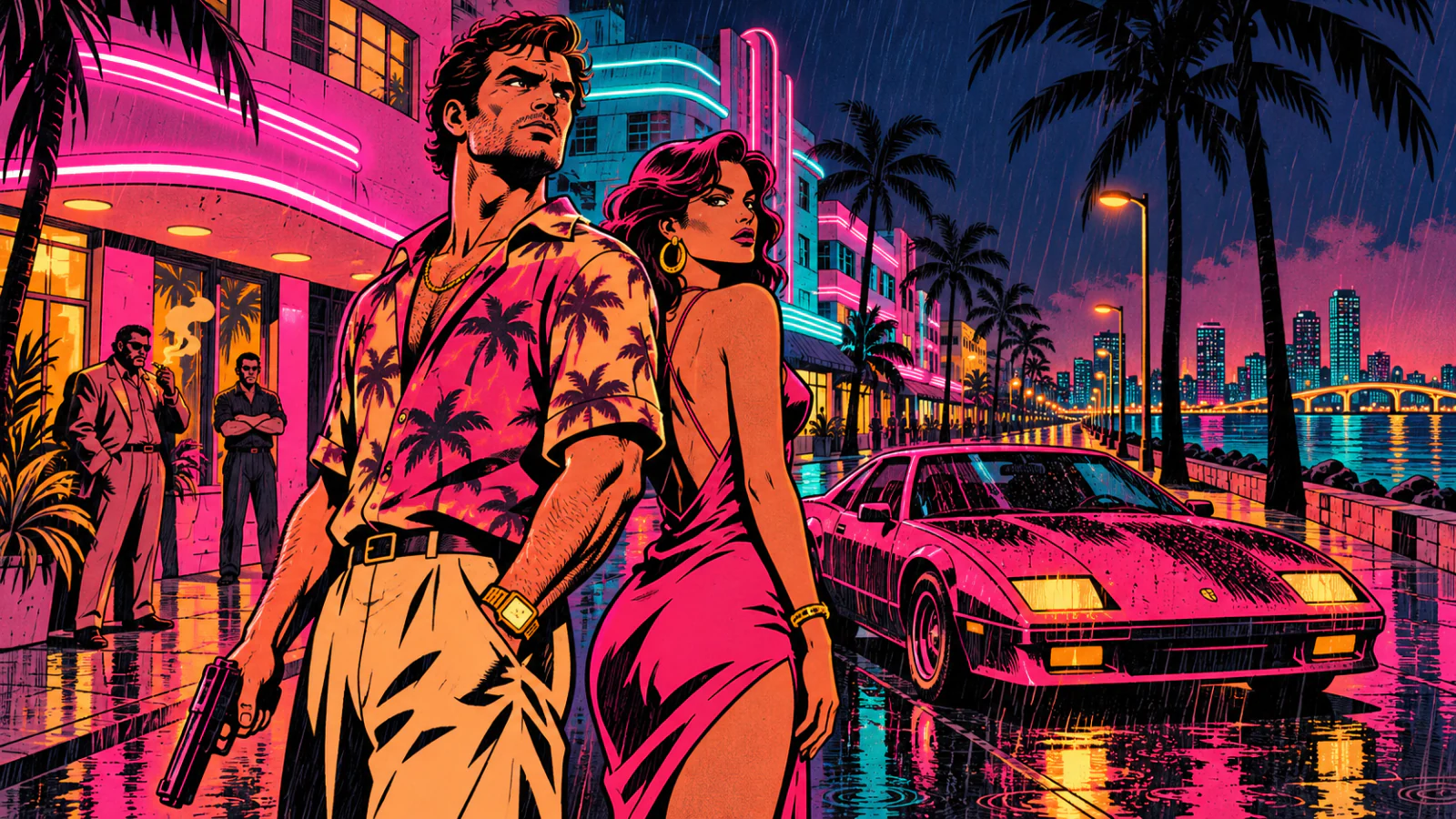
Fan-made 16:9 Vice-coast sunset GTA 6 wallpaper maker example prepared for 4K desktop upscalingFan-made 16:9 neon coastal avenue desktop wallpaper illustration in cel-shaded style
16:9 · 2K → 4K PATH

4K Desktop Wallpaper

3840 × 2160 px (via Upscaler)

Generate your widescreen coastal illustration at 1K or 2K first, then sharpen every ink contour to 4K without soft edges.

2K generate here → 1-click 4K upscale (up to 4096×4096 px).
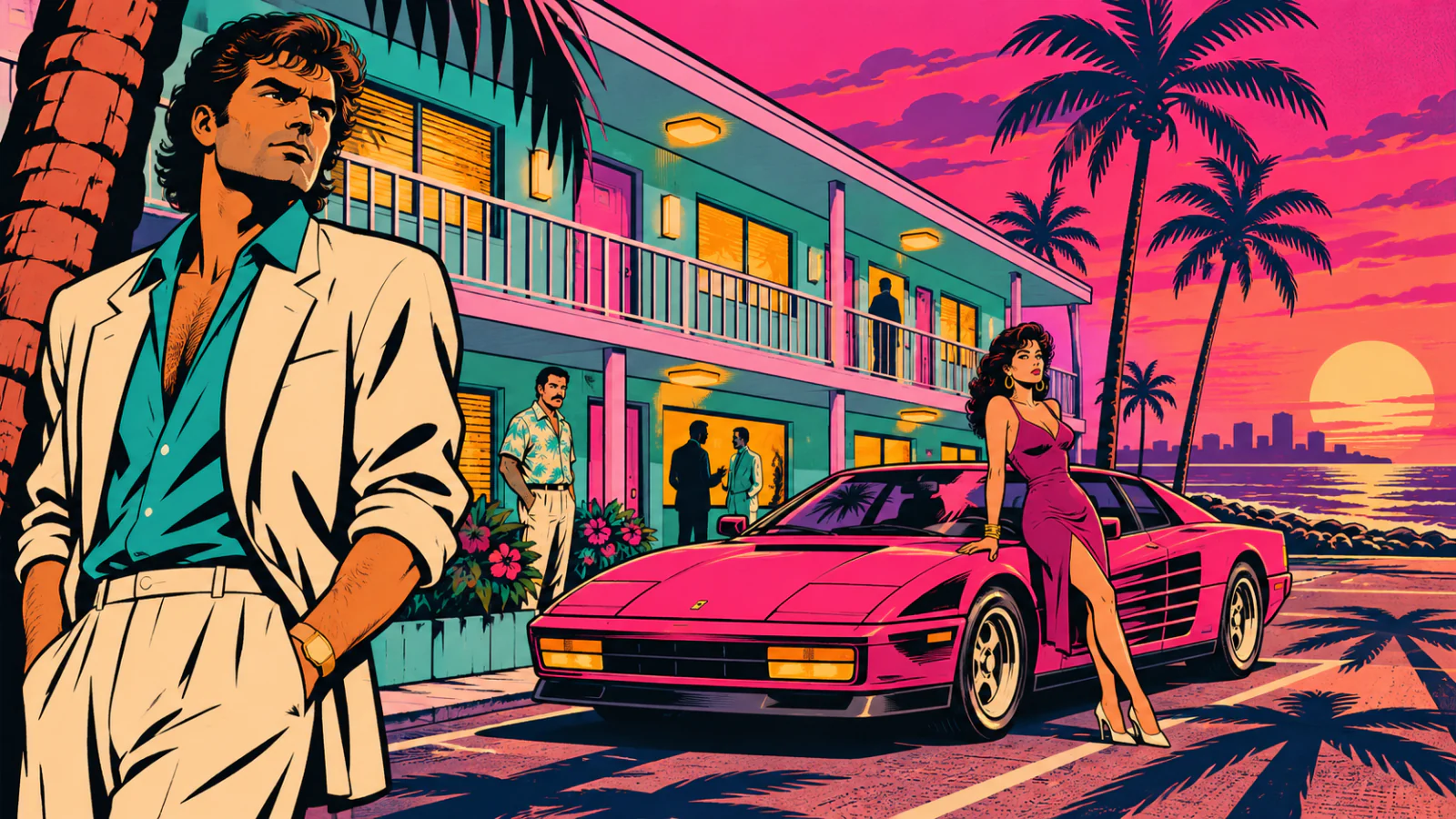
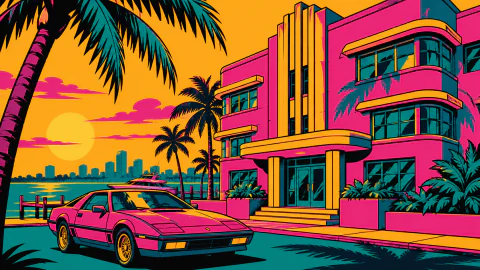
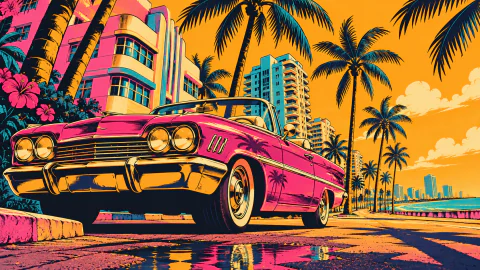
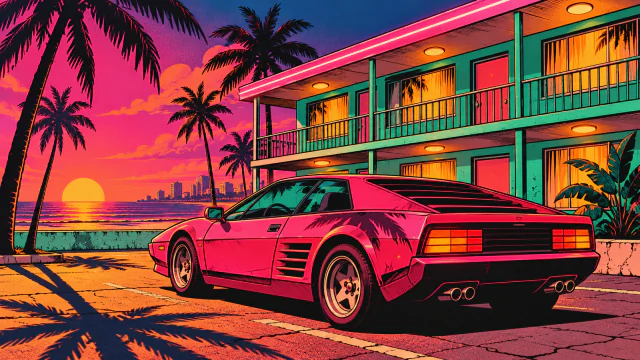
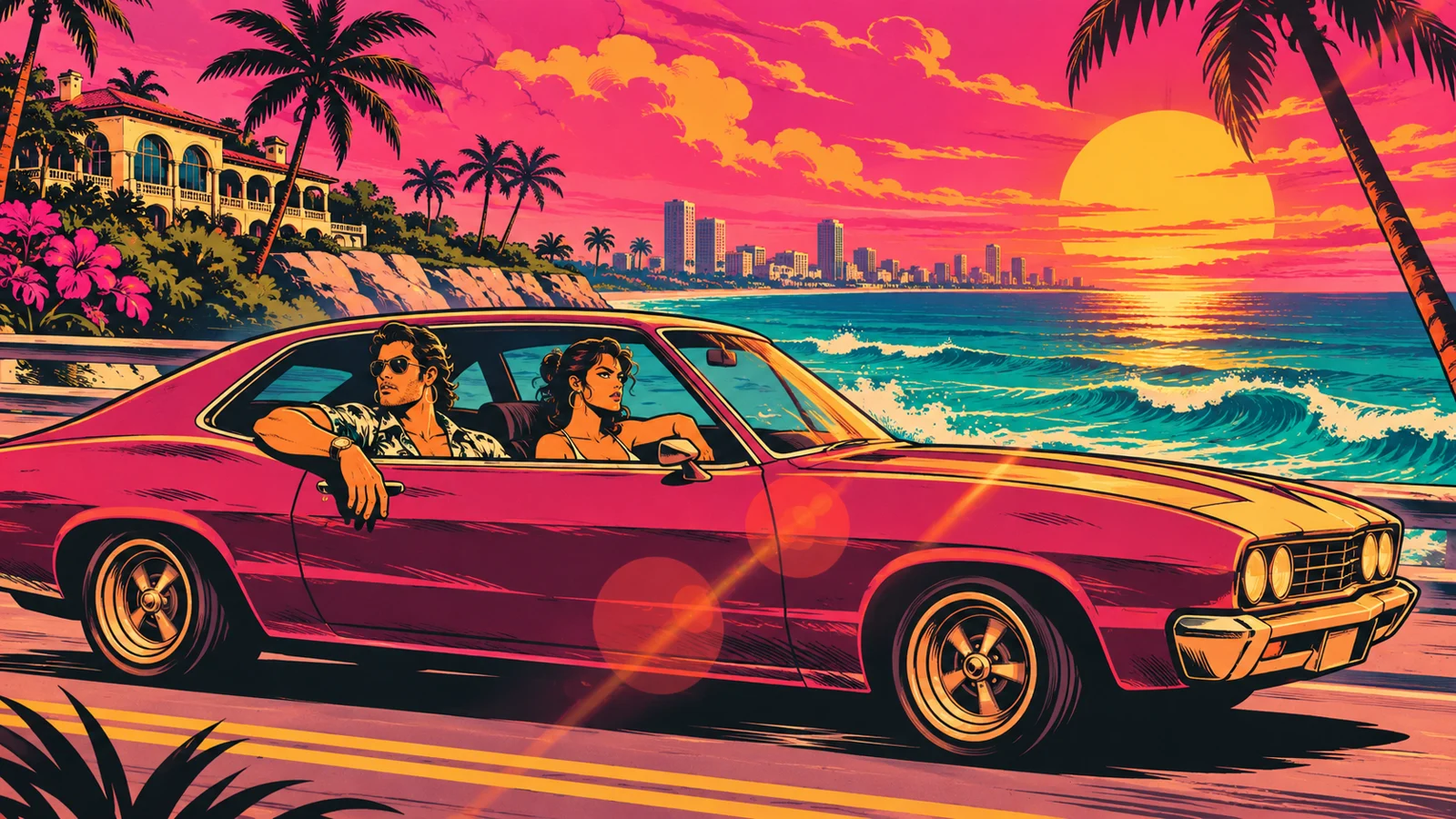
Fan-made 1920x1080 PC wallpaper showing a retro coupe outside a neon coastal motel
16:9 · FULL HD PC

1920 × 1080 PC Wallpaper

16:9 Widescreen · Instant

The standard laptop and gaming monitor ratio. Crisp cel-shaded blocks scale cleanly across 1080p and 1440p screens.

Ready straight from 1K free runs or 2K Pro exports.

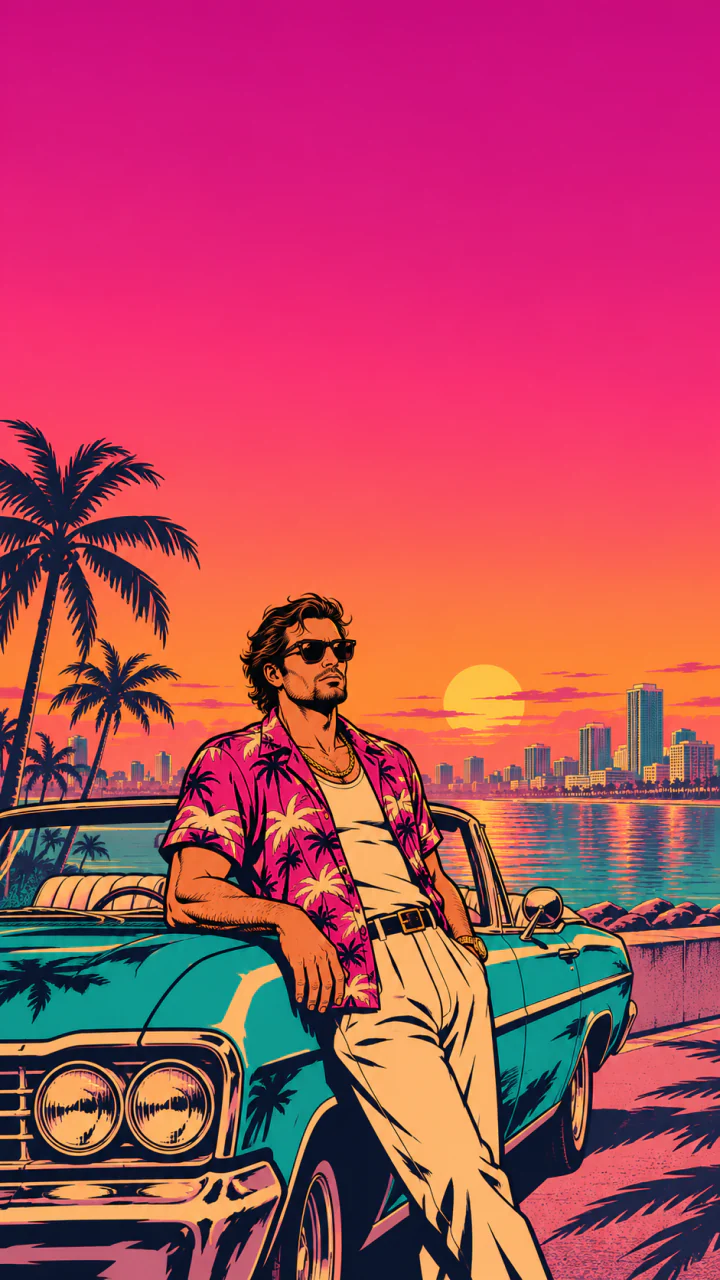
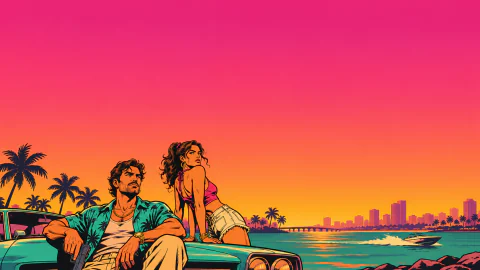
Vertical 9:16 iPhone GTA-style sunset wallpaper with open sky margin for lock-screen time
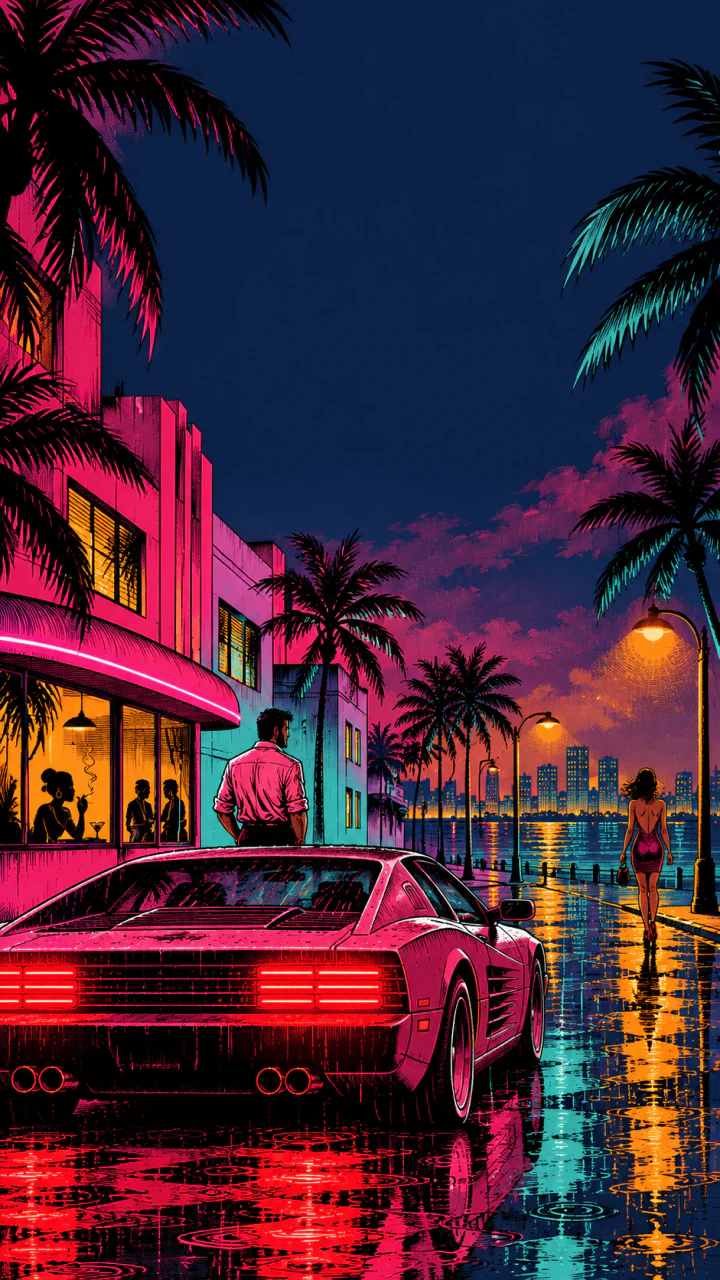
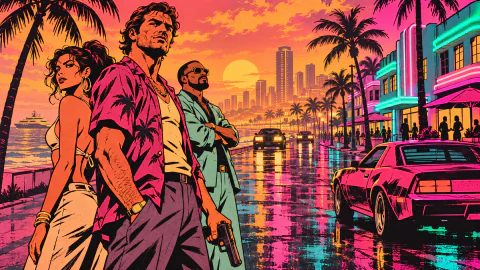
Vertical 9:16 neon night street phone wallpaper with bold ink outlines
9:16 · IPHONE & ANDROID

9:16 Phone Wallpaper

Vertical Lock Screen · Safe Top

Framed specifically for tall smartphone screens with open sky above the subject so the lock-screen clock stays readable.

Built-in 9:16 vertical framing — no awkward center crops.

8 Copy-Ready Prompts for This GTA 6 Wallpaper Generator

Copy any tested prompt below for our browser GTA 6 wallpaper generator or your favorite AI tool. Each prompt targets thick ink outlines, flat cel shading, and clean wallpaper margins — including a four-panel loading screen collage and a selfie portrait transformation.

Safety tip: Add "no text, no logos, no real people" to any prompt before generating.
0116:9 · Desktop

4K Desktop · Vice City Sunset

Show prompt text
Wide cinematic wallpaper of a fictional Miami-style coastal city at golden hour, palm trees, chrome convertible in the foreground, thick black outlines, flat cel-shaded game-art style, saturated magenta and teal, 16:9, ultra detailed, no text, no logos
Best starter for 1920×1080 or 2K → 4K upscaled monitors
0216:9 · Dark Mode

Neon Night Street Scene

Show prompt text
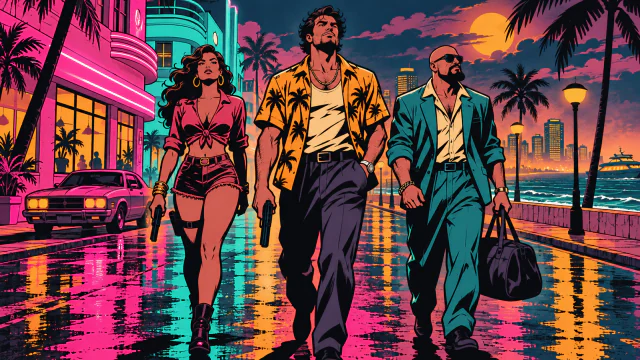
Night street in a fictional coastal city, wet asphalt reflecting neon signs, three characters walking toward camera, illustrated cover-art style with bold ink outlines, high contrast, 16:9
High-contrast wet asphalt reflections for OLED displays
039:16 · iPhone & Android

Vertical Phone Wallpaper (9:16)

Show prompt text
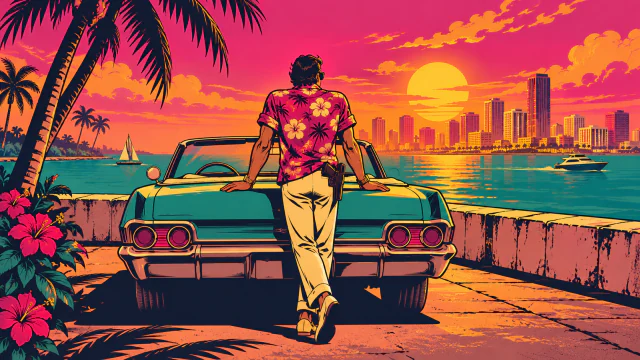
Vertical phone wallpaper, one character leaning on a convertible at sunset, skyline behind, bold black outline, flat cel shading, warm haze, centered composition with safe margins, 9:16
Centered silhouette with safe top margin for lock-screen clocks
0416:9 · Loading Screen

Four-Panel Loading Screen Collage

Show prompt text
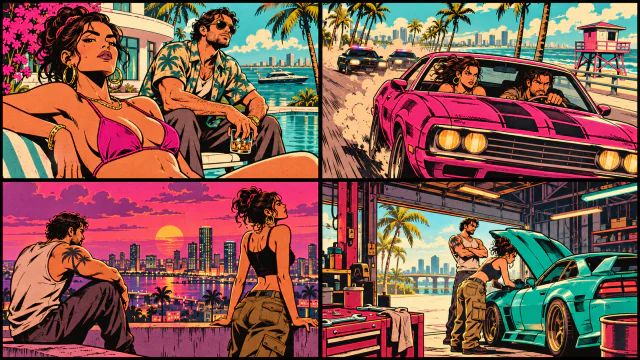
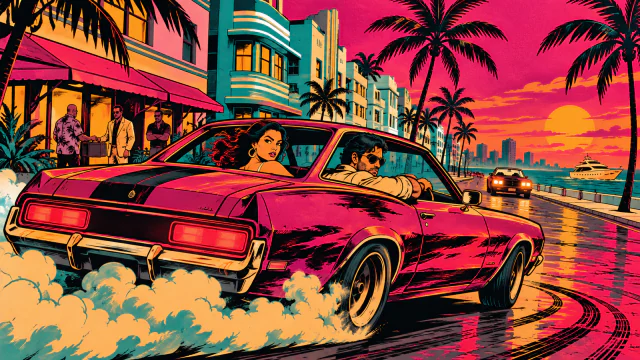
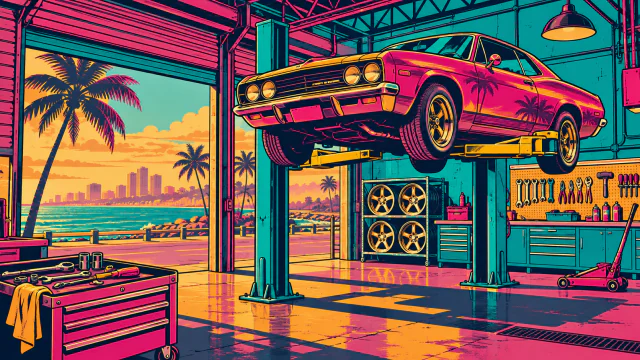
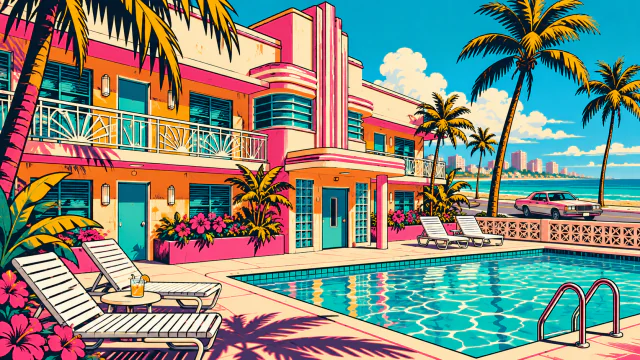
Four-panel loading screen collage: poolside scene, street chase, rooftop, garage. Consistent flat cel shading, thick black outlines, sunny Florida palette, 16:9
Classic multi-frame comic panel layout in one generation
05Photo → Character

Selfie to Game Character Portrait

Show prompt text
Turn this photo into a stylized game character portrait: bold black outline, flat cel shading, exaggerated facial features, dramatic side lighting, neon city background, keep my face identity and hairstyle
Upload your own portrait to keep face identity and hairstyle
0616:9 · Vehicle

Retro Sports Car & Neon Motel

Show prompt text
A 1980s sports car parked outside a neon-lit motel, long palm shadows, flat color illustration with thick outlines, wide 16:9, no text
Works from text or by uploading your own car photo
0716:9 · Negative Space

Minimal Coastal Highway (Clean Desk)

Show prompt text
Minimal wallpaper: empty coastal highway, one palm tree, gradient sunset sky, single thin black outline, large negative space, 4K, 16:9
Leaves open gradient sky for desktop icons and widgets
0816:9 · Stylized HUD

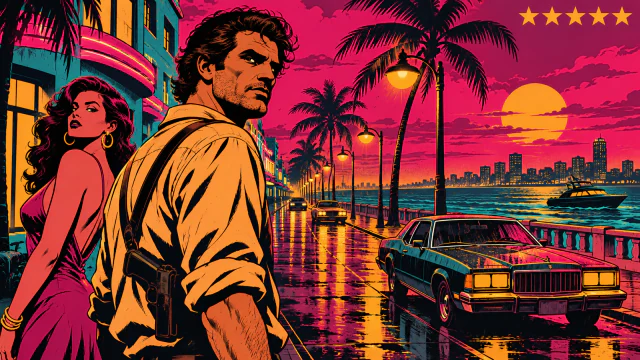
Five-Star Wanted HUD Strip

Show prompt text
Five-star wanted-level HUD strip along the top of a wallpaper, flat stylized star icons, no game logos, noir palette, 16:9
Clean stylized star bar without copyrighted game logos

What Makes It Look Like GTA Style Wallpaper

Generic AI prompts often drift into glossy 3D renders or muddy neon cyberpunk. Authentic GTA style wallpaper artwork relies on six repeatable graphic illustration rules that keep every silhouette sharp on both desktop monitors and phone lock screens.

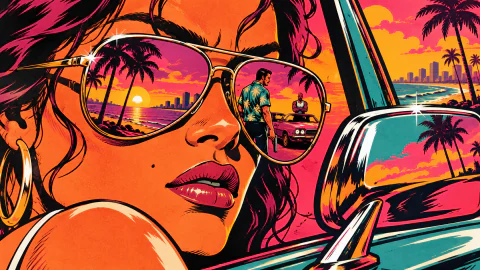
Style breakdown showing thick black hand-inked outlines on a coastal character portrait
01 / 06

Thick Black Ink Outlines

Varied-weight black contours separate characters, sunglasses, and chrome bumpers from busy backgrounds so the silhouette reads instantly at any screen size.

Cue: “thick black outlines, bold ink linework”

Style breakdown of flat cel-shaded shadow blocks on a stylized street illustration
02 / 06

Flat Cel-Shaded Planes

Instead of airbrushed 3D gradients, skin, clothing, and car panels drop into two or three crisp tonal blocks that preserve graphic poster punch.

Cue: “flat cel shading, graphic cover-art planes”

Style breakdown of saturated magenta, orange, and teal coastal sunset palette
03 / 06

Saturated Coastal Sunset Palette

Warm Florida-inspired magentas, peach horizons, and electric cyan water contrast against deep navy shadows to create unmistakable tropical heat.

Cue: “saturated magenta, warm amber, teal shadows”

Style breakdown of exaggerated low-angle wide perspective with a vintage sports car
04 / 06

Exaggerated Low-Angle Perspective

Slightly pushed wide-angle lenses make classic convertibles, palm avenues, and character poses feel larger than life without distorting faces.

Cue: “exaggerated perspective, cinematic low angle”

Style breakdown comparing warm coastal sunset haze and wet neon street reflections
05 / 06

Warm Coastal Haze & Wet Neon

Golden humidity softens distant skyscrapers by day, while rain-slicked asphalt doubles neon storefronts at night for rich depth.

Cue: “warm sunset haze, wet asphalt neon reflections”

Style breakdown demonstrating safe negative space margins for desktop icons and phone clocks
06 / 06

Clean Negative Space for Icons & Clocks

Real usable wallpapers reserve uncluttered sky or dark road zones along the edges so desktop shortcuts and iPhone lock-screen clocks never clash.

Cue: “centered subject, safe margins, clean sky”

How to Use the GTA 6 Wallpaper Maker in 3 Steps

Powered by our browser image to image AI engine, this GTA 6 wallpaper maker turns personal portraits, cars, or text ideas into clean cel-shaded backgrounds with no software install.

  1. PHOTO OR PROMPT · ≤24MB

    Upload a Photo or Pick a Blank Scene

    Drop any selfie, car shot, or street photo (JPG, PNG, WEBP, or HEIC up to 24MB) into the GTA 6 wallpaper maker, or switch to Text to Image if you want to start from one of our 8 copy-ready prompts.

  2. 12 PRESETS · 16:9 & 9:16

    Choose a GTA-Style Preset & 16:9 or 9:16 Size

    Click any of the 12 fan-made presets — including Vice City Sunset, Neon Night, and Four-Panel Loading Screen Collage — and toggle 16:9 for PC/4K desktops or 9:16 for iPhone and Android lock screens.

  3. 2 FREE/DAY · 2K → 4K PATH

    Generate Free Without Watermarks, Then Upscale to 4K

    Run 2 free watermark-free 1K generations every day with zero sign-up. Download your PNG/JPG immediately, or send your 2K result straight to our AI Image Upscaler for crisp 4K desktop resolution.

  4. Ready to try with your own photo or a one-click preset?Jump to Workbench
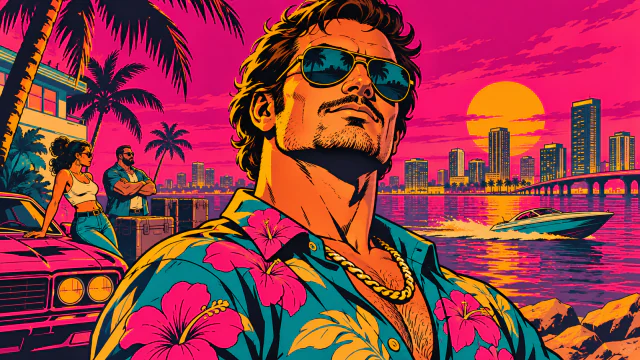
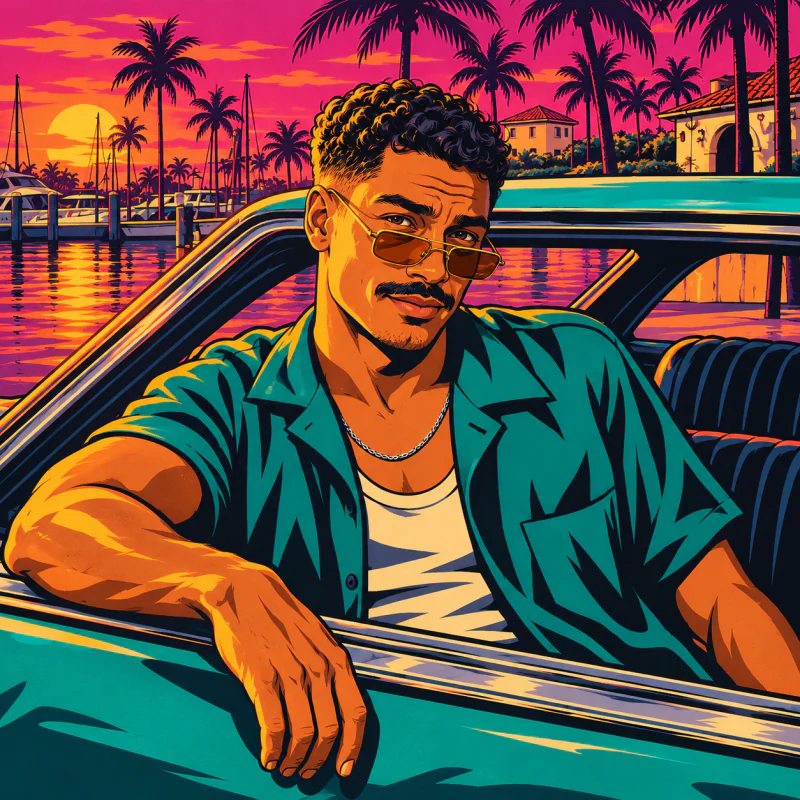
Cel-shaded illustration of the same man leaning on the car door at sunset
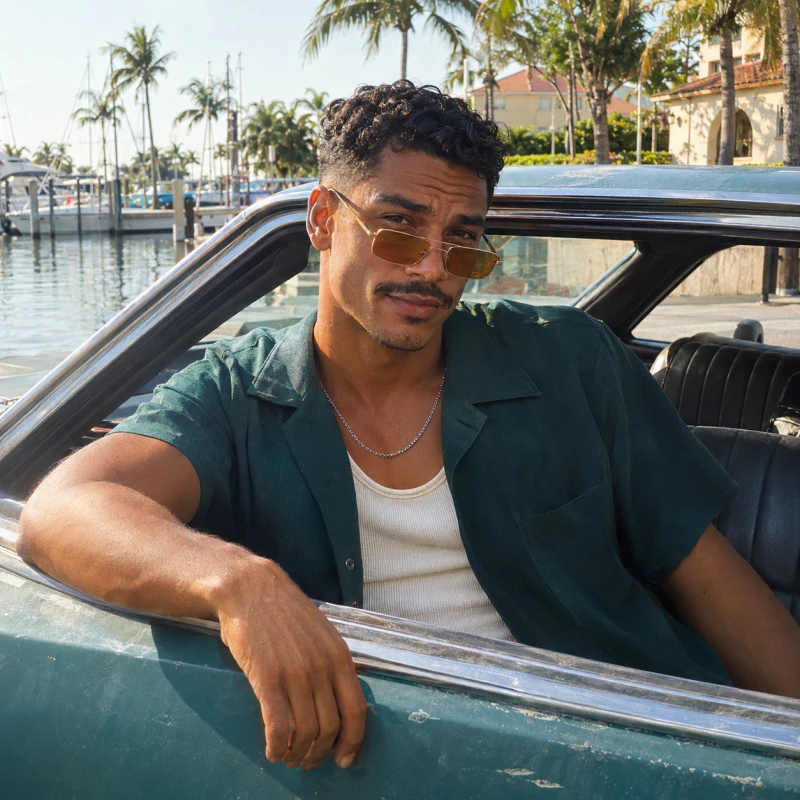
Man wearing amber sunglasses leaning on a vintage car door at a sunlit marina
ORIGINAL PHOTOGTA-STYLE RESULT
Before-and-after photo workflow: keep your face geometry and hairline recognizable while repainting lighting, shadows, and outlines into coastal cover-art style.

4K & Phone Sizing: What We Can and Can't Do

Wallpaper fans notice soft edges immediately, so we state exact resolution limits upfront. This GTA 6 wallpaper maker generates at 1K (free) or 2K (paid) — for true 4K desktop monitors or sharp GTA 6 wallpaper iPhone screens, follow the verified path below.

Screen TargetRatioDirect OutputRecommended WorkflowHonest Limit
4K Desktop (3840 × 2160)16:91K (free) or 2K (Pro/credits)Generate in 16:9 at 1K/2K here, then run 1 pass in our AI Image Upscaler (2K → 4K up to 4096 × 4096 px).Not native 4K in one click — upscaling is required for true 3840 × 2160 sharpness.
Full HD PC (1920 × 1080)16:91K (free) or 2K (Pro/credits)Generate at 16:9 with Standard 1.0 (free) or 2K Pro for razor-sharp ink lines on 1080p/1440p monitors.1K runs look great on laptops; pick 2K if you sit close to a 27-inch monitor.
iPhone & Android Lock Screen9:161K (free) or 2K (Pro/credits)Pick 9:16 aspect ratio + Phone Portrait preset so sky negative space sits cleanly behind the top clock.Ultra-tall 19.5:9 phones crop ~8% from left/right edges — keep faces centered.
Loading Screen Collage (4-Panel)16:91K (free) or 2K (Pro/credits)Use Prompt #04 or the Loading Screen Collage preset, then upscale 2×/4× if displaying on a 4K TV.Complex 4-panel grids keep cleaner faces at 2K than at 1K.

4K path: 2K generate here → 4K upscale up to 4096 × 4096 px. Full quota details in our free limits guide.

Open AI Image Upscaler

GTA 6 Wallpaper Maker FAQ

Straight answers on trademark rules, real 4K upscaling, iPhone 9:16 sizing, daily free runs, and photo privacy.

Is this an official Rockstar Games or GTA 6 wallpaper tool?

No. This GTA 6 wallpaper maker is an independent, fan-made AI style tool and is not affiliated with, endorsed by, or sponsored by Rockstar Games or Take-Two Interactive. It creates original cel-shaded coastal illustrations inspired by classic crime-game cover art — we never host official screenshots, trailer frames, or game logos. If any rights holder flags an image, contact us and we will remove it promptly.

Does the GTA 6 wallpaper maker output native 4K resolution?

To be completely transparent: direct generation outputs 1K (free daily runs) or 2K (signed-in credit packs and Pro plans), not native 4K in a single pass. To get a true 3840 × 2160 4K desktop wallpaper, generate your favorite 16:9 composition at 1K or 2K here and run one pass through our AI Image Upscaler, which sharpens ink outlines up to 4096 × 4096 px.

How do I make a GTA 6 style wallpaper for iPhone or Android?

Select the 9:16 aspect ratio toggle inside the workbench and load the Phone Portrait preset (or copy Prompt #03). That keeps the main subject centered in the lower two-thirds while leaving warm sunset haze at the top so your iOS or Android lock-screen clock and widgets remain clean and legible.

How many free wallpapers can I generate without signing up?

Unauthenticated visitors get 2 free watermark-free 1K Standard 1.0 generations per day per IP, resetting daily at 00:00 UTC with no account or credit card required. Need higher 2K detail, faster batches, or 4K upscaling? Check our free limits policy or pick a one-time credit pack starting at $9.90 with no recurring subscription.

Can I turn my own selfie or car photo into a GTA-style wallpaper?

Yes — that is the main advantage of using an image-to-image workflow instead of static wallpaper downloads. Upload a well-lit selfie, couple photo, or car shot (up to 24MB), choose the Wanted Poster or Retro Ride preset, and keep prompts focused on thick black outlines and flat cel shading while explicitly instructing the model to preserve your facial identity and hairstyle.

Can I create a GTA 6 style loading screen collage on this page?

Yes. We built the four-panel loading screen collage directly into this page as Workbench Preset #03 and Copy-Ready Prompt #04 (poolside scene, street chase, rooftop, and garage in unified cel-shaded linework). Switch to Text to Image for a fresh 4-panel scene, or upload a reference photo to anchor the color mood.

Can I use these fan-made wallpapers on YouTube, Twitch, or social media?

Generated artworks from free daily runs are licensed for personal use (desktop backgrounds, phone lock screens, personal profiles). Paid credit packs and subscriptions unlock broader creator rights for original AI artwork, provided you add "no text, no logos, no real people" to your prompts and do not include third-party trademarks or copyrighted characters.

Are my uploaded photos stored or used to train AI models?

No. Uploads transfer over HTTPS solely to run your wallpaper generation, temporary cloud records and browser history expire automatically after 24 hours, and your photos are never sold or used to train third-party AI models. You can review full retention details in our Privacy Policy.

Trademark & Fan-Art Notice: Independent fan-made style generator. Not affiliated with, endorsed by, or sponsored by Rockstar Games or Take-Two Interactive. All trademarks belong to their respective owners. No official game screenshots, logos, character assets, or trailer frames are hosted or included. Rights-holder inquiries: contact support.