
Image to Image AI Free
Use image to image AI free right in your browser with no sign up and no credit card: upload a photo or pick a sample, describe the edit, and get 2 daily watermark-free 1K results while keeping your pose and composition locked.
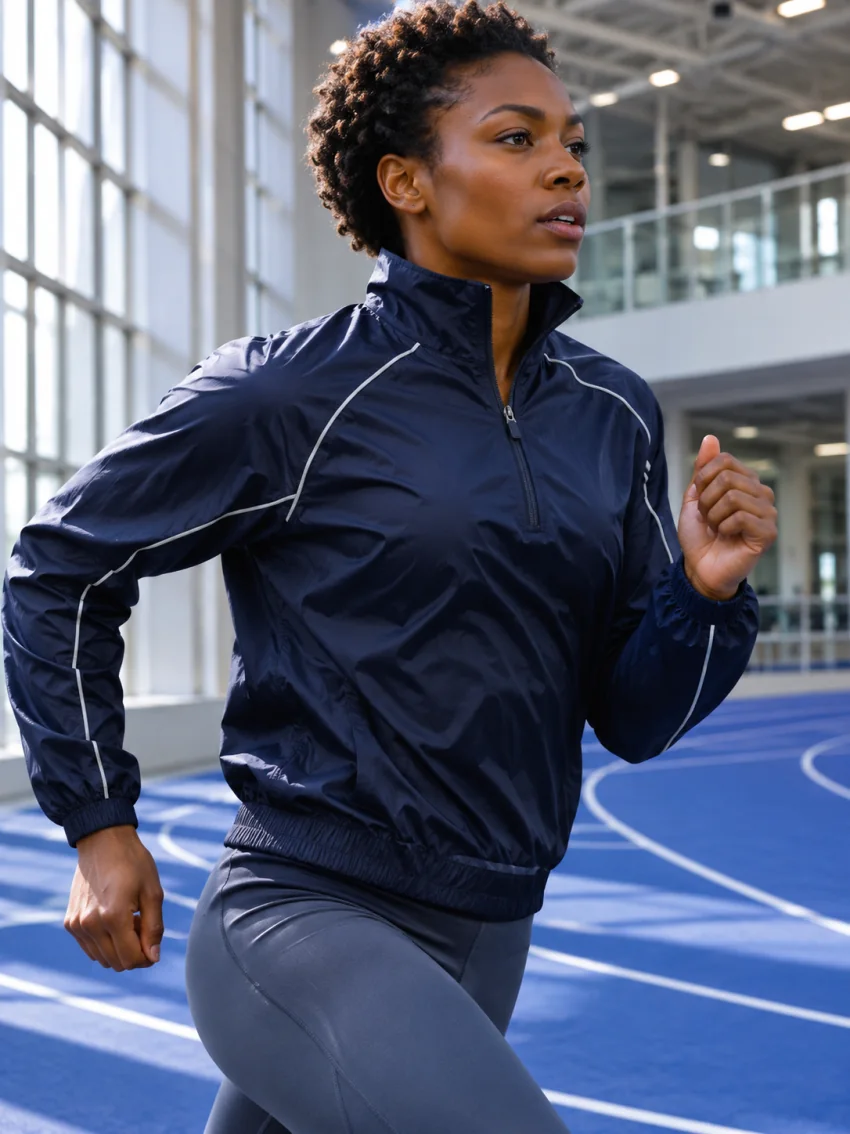 BEFORE
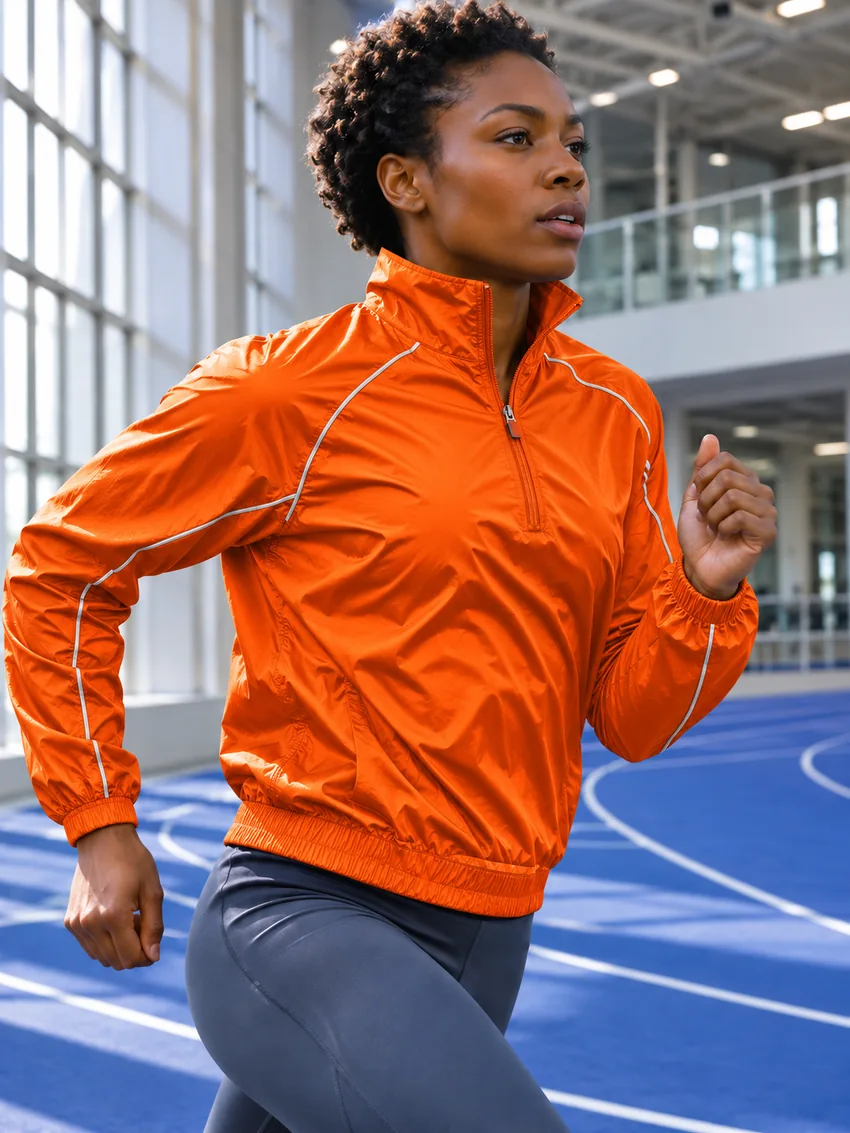 AFTER
How Far Image to Image AI Free Goes: Exact Daily Limits & Credit Rules
No vague "free trial" banners or surprise paywalls at download. Here is exactly what you get at $0 before any card is required, verified against our live pricing and policy pages on 2026-11-23. Read full Free Limits & Watermark Policy.
2 Free Watermark-Free 1K Runs Daily
Guests receive 2 free 1K Standard 1.0 generations per day per IP (resetting daily at 00:00 UTC) with zero sign-up, zero card required, and zero corner watermarks. Click any built-in sample photo if you want to test output quality first.
Exact Credit Costs When You Upgrade
Signed-in runs use 5 credits for 1K Standard 1.0 or Nano Banana, 8 credits for 2K Nano Banana, and 15 credits for Pro 2.0 or GPT Image 2.6 texture detail. AI Upscaling costs 3 credits (2×) or 6 credits (4× up to 4096px).
Failed Generations Are Never Charged
If a provider timeout or system error interrupts a run, credits refund 100% automatically and failed tasks are never billed. Unused one-time credit packs also remain covered by our 7-day Refund Policy.
Full Upload Size & Multi-Reference Support
Upload JPG, PNG, or WEBP files up to 24MB (>8MB auto-compresses cleanly) across 8 aspect ratios. Multi mode blends up to 4 reference images in one run; the /img2img/ workbench pairs 1 source image plus 1 reference image.
No Sign Up Needed
You can run your first photo edit in seconds without creating an account, verifying an email address, or entering payment details. Test real results on your own image first, then decide whether you ever need paid 2K volume.
Run an Edit Immediately in 5–15 Seconds
Drop a photo into the editor above or load a sample preset. Most 1K edits finish in 5–15 seconds right inside desktop or mobile Safari and Chrome—no software install and no GPU setup.
24-Hour Browser History & Zero Training
Guest edits stay in your local browser history and expire automatically after 24 hours. Uploads transfer over HTTPS/TLS solely to execute your edit and are never used to train third-party AI models.
Zero Card Wall & No Forced Subscription
When your 2 daily free runs are used, there is no auto-renewing trial trap. Wait for the 00:00 UTC daily reset, or grab a $9.90 / 1,000-credit pay-as-you-go pack valid for 365 days.
How to Edit a Photo in 3 Steps
Every control stays above the fold so you can test style transfers, outfit swaps, and relighting with zero prompt engineering background.
Drop a Source Photo or Click a Sample
Upload any JPG, PNG, or WEBP photo up to 24MB—or switch to Multi mode to mix up to 4 reference images. You can also click a preset sample image to test immediately.
Type Your Change or Pick a Style Preset
Choose from 25+ tested style templates or describe the exact lighting, outfit, or medium change you want. Reference-conditioned generation keeps subject pose and layout intact.
Compare Before/After and Download Free
Inspect the result with the side-by-side or drag slider, then download a watermark-free PNG, JPG, or WEBP—or send the output to Fine Edit or 4K AI Upscaler.
Free Guest Tier vs. Paid 2K & Pro Models: Exact Feature Breakdown
Compare every limit between the free daily guest tier and signed-in credit packs so you know exactly when upgrading is worth it (verified on 2026-11-23).
| Capability | Free Guest Tier (No Sign Up) | Paid Credit Packs / Subscriptions |
|---|---|---|
| Daily Allowance | 2 free 1K Standard runs / day per IP (resets 00:00 UTC) | No daily cap—use credits on demand ($9.90 = 1,000 cr ≈ 200 1K runs) |
| Available AI Models | Standard 1.0 (fast 1K reference editor) | Standard 1.0, Nano Banana (1K/2K), Pro 2.0, GPT Image 2.6 |
| Output Resolution | 1K standard HD | 2K native HD + 4K AI Upscaler (up to 4096 × 4096 px) |
| Watermarks | Zero watermarks or corner logos | Zero watermarks or corner logos |
| Usage Rights | Personal testing & evaluation | Full commercial rights (storefronts, ads, client deliverables) |
| Failed Job Policy | Failed jobs are not charged | 100% automatic credit refund on system/provider failure |
Real 1K Output Examples Before You Upgrade
Verify pose preservation, fabric texture, and restoration fidelity at 1K before spending a single credit on 2K or 4K exports.
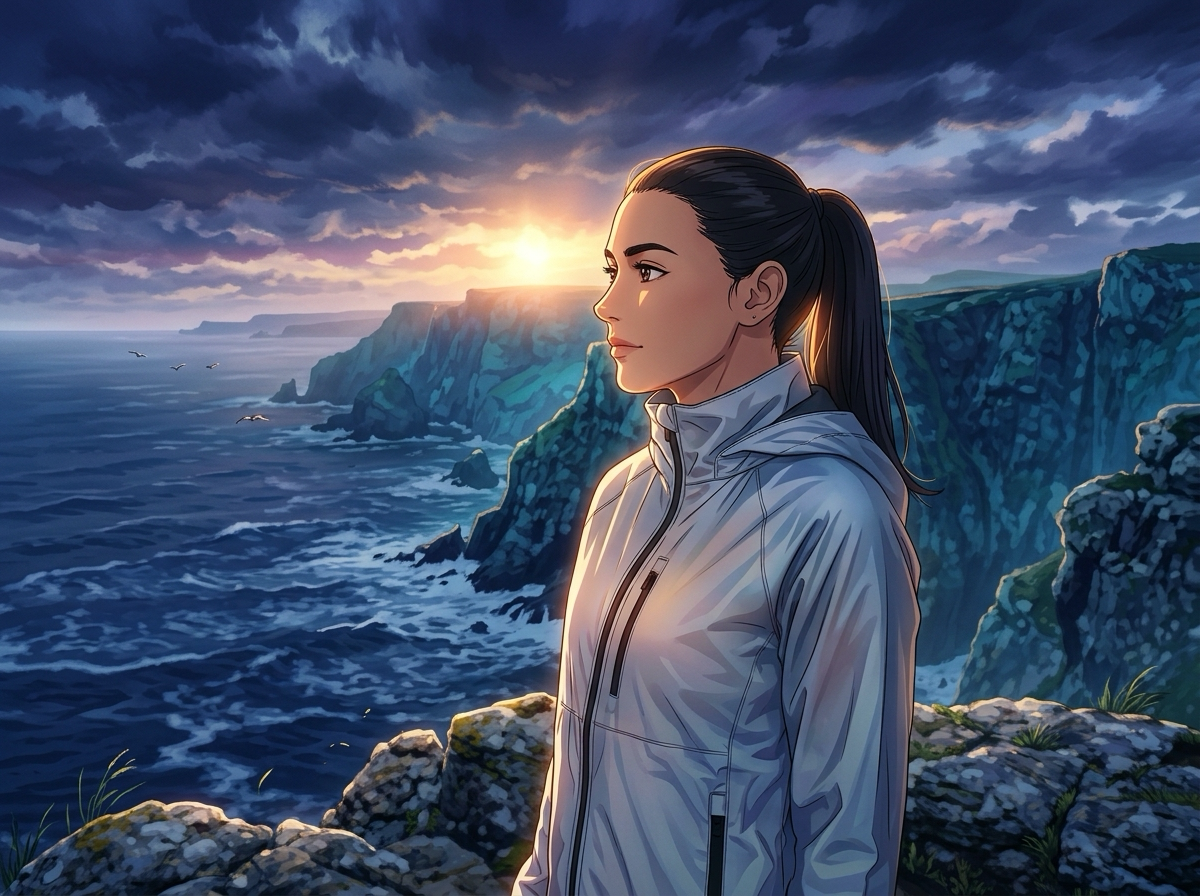
Repaint photography into anime or editorial art while keeping crosswalk lines, buildings, and framing intact.
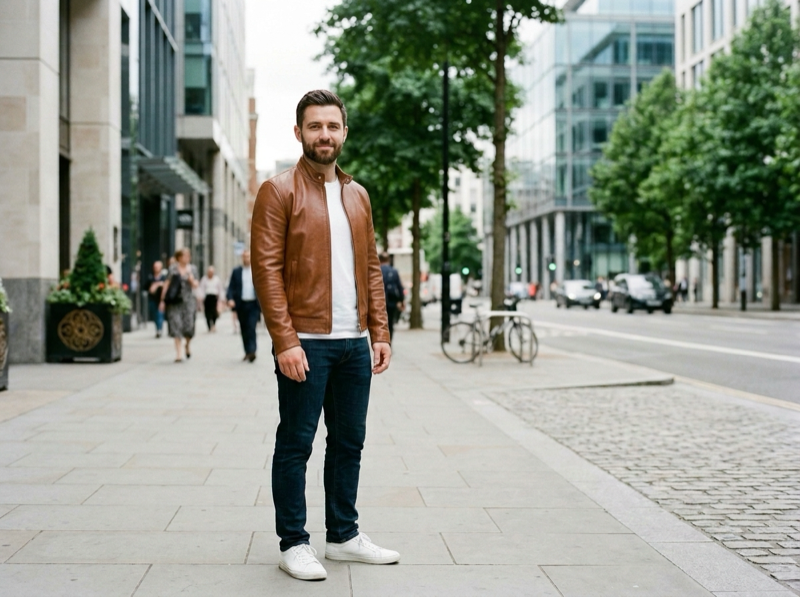
Swap jackets or fabrics while holding facial identity, posture, and studio lighting consistent.
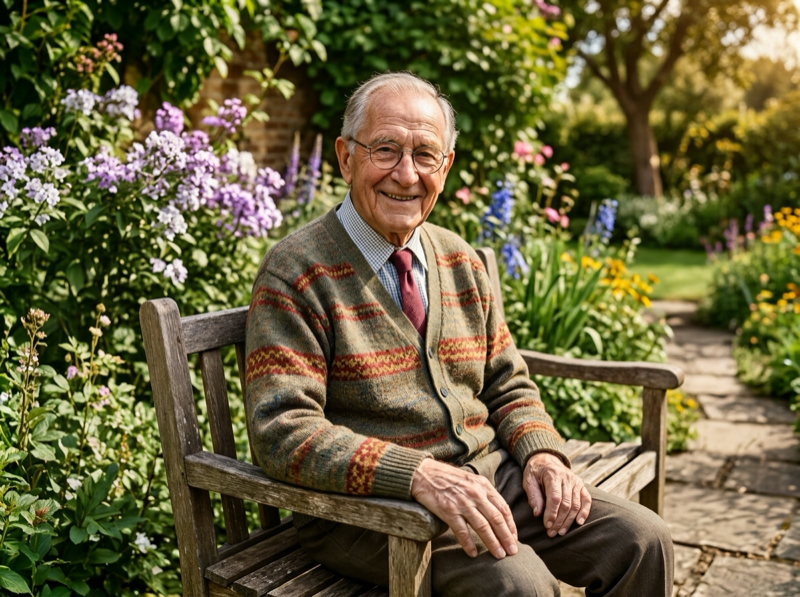
Preview color recovery and sharpness at 1K, then upscale print keepers to 4K when needed.
Image to Image AI Free vs. Adobe Firefly, Krea & Raphael
Each reference-based AI editor serves a different workflow. Adobe Firefly leads on Creative Cloud integration and enterprise indemnity, Krea excels at live real-time canvas iteration, and Raphael is fast for quick text-first drafts. This page focuses on instant no-sign-up photo editing with zero watermarks and optional pay-as-you-go packs.
| Tool | Sign Up | Free Quota | Free Watermark | Models & Resolution | Best For |
|---|---|---|---|---|---|
Image to Image AI (This Page) No Sign Up | Not required | 2 free 1K runs/day per IP (00:00 UTC reset) | None | 1K free; 2K Pro 2.0 & 4K Upscale on paid credits | Fast no-login photo edits, pose lock, and pay-as-you-go upgrades |
Adobe Firefly Enterprise Suite | Adobe account required | Limited monthly free generative credits | Content Credentials metadata attached | Firefly models + native Photoshop integration | Creative Cloud teams needing enterprise commercial compliance |
Krea Real-Time Canvas | Account required | Limited daily free compute | No watermark (queue priority on paid tiers) | Live real-time diffusion canvas + enhancers | Concept artists iterating interactively on a live brush canvas |
Raphael Quick Drafts | No login required | Free runs subject to queue throttling | None | Fast text-first drafts; fewer reference-lock controls | Lightweight text-to-image exploration and quick sketches |
Honest Scope & Hard Limits
Clear expectations upfront so you know whether the free tier fits your task or when another workflow is better.
Where the Free Tier Shines
- Testing how well your own photo holds facial identity and composition before paying anything.
- Running quick personal style restyles, background swaps, or photo cleanups with zero account friction.
- Blending up to 4 reference images in Multi mode without installing local Stable Diffusion weights.
- Downloading clean 1K PNG, JPG, or WEBP exports with zero watermarks and zero forced subscriptions.
Hard Limits to Know Upfront
- Not unlimited: free unauthenticated cloud editing is capped at 2 Standard 1K runs per day per IP (resets 00:00 UTC).
- Personal evaluation license only on free guest runs; commercial store listings and client work require paid credits.
- 2K native output, Pro 2.0 / GPT Image 2.6 models, and 4K AI Upscaling require signing in with credits.
- No permanent cloud gallery—browser history clears automatically after 24 hours, so download keepers promptly.
Free Image to Image AI FAQ
Direct answers on daily limits, no sign up access, watermarks, commercial licensing, and automatic failure refunds.
Ready to Try Your Own Photo at $0?
Jump back to the live editor above for 2 free watermark-free 1K runs with no sign up—or explore our full image to image AI studio and policy docs.
Last updated November 23, 2026 · Maintained by the Image to Image AI team (verified against /pricing & /free-limits/)