
Photo to Sketch: Turn Any Picture Into a Hand-Drawn Pencil Sketch
Convert portraits, pets, streets, and product shots into realistic graphite, charcoal, or ink line art directly in your browser. Unlike basic edge-detection filters that leave noisy outlines, an AI photo to sketch model redraws directional pencil strokes, natural cross-hatching, and subtle paper grain while keeping faces and proportions recognizable.
Control how closely the drawing tracks your original photograph with denoising strength: use 0.4 to lock facial likeness and architectural geometry, or 0.6 for expressive hand-shaded charcoal and editorial illustration.
Upload Source Image
Portrait → Graphite (0.6)
Graphite Pencil
Fine cross-hatched graphite shading that locks facial likeness and natural expression.
Likeness & Contour Lock
Keeps facial features, pet markings, and building perspective intact at 0.4–0.6 strength.
4 Hand-Drawn Mediums
Switch between graphite pencil, fine-liner ink, soft charcoal, and clean coloring outlines.
2 Free 1K Runs / Day
Test picture to sketch conversion online with zero login, zero watermarks, and 24MB uploads.
Print & Coloring Ready
Export crisp PNG, JPG, or WEBP drawings ready for gifts, avatars, tracing, or 4K upscaling.
4 Real Photo to Sketch Examples (Portrait, Street, Product & Wildlife)
Each pair below shows a real camera photograph on the left and its AI pencil drawing on the right. Click any example to load the source image, strength, and prompt straight into the workbench above.
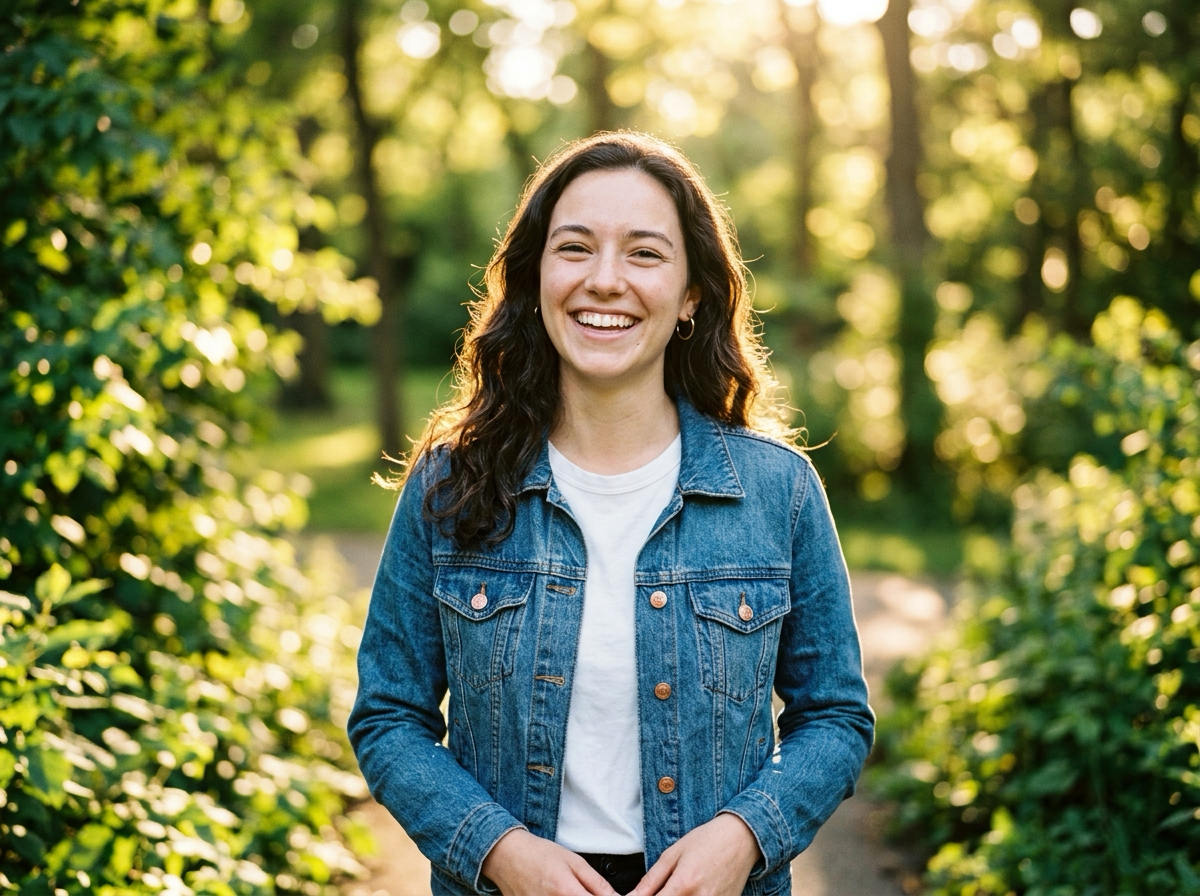
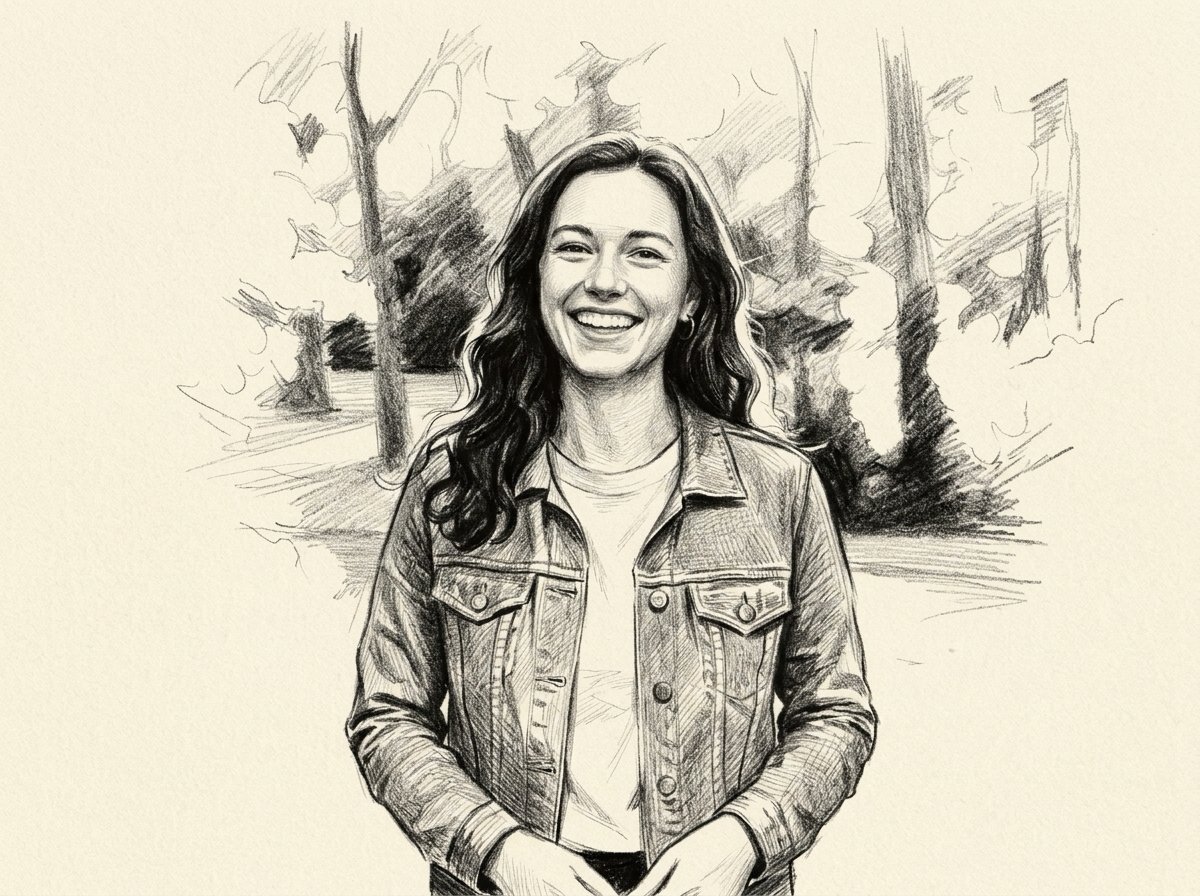
Outdoor Portrait to Graphite Pencil Drawing
Translates natural skin tones, hair direction, and denim seams into layered 2B–4B graphite strokes on warm sketchbook paper while keeping the smiling expression recognizable.
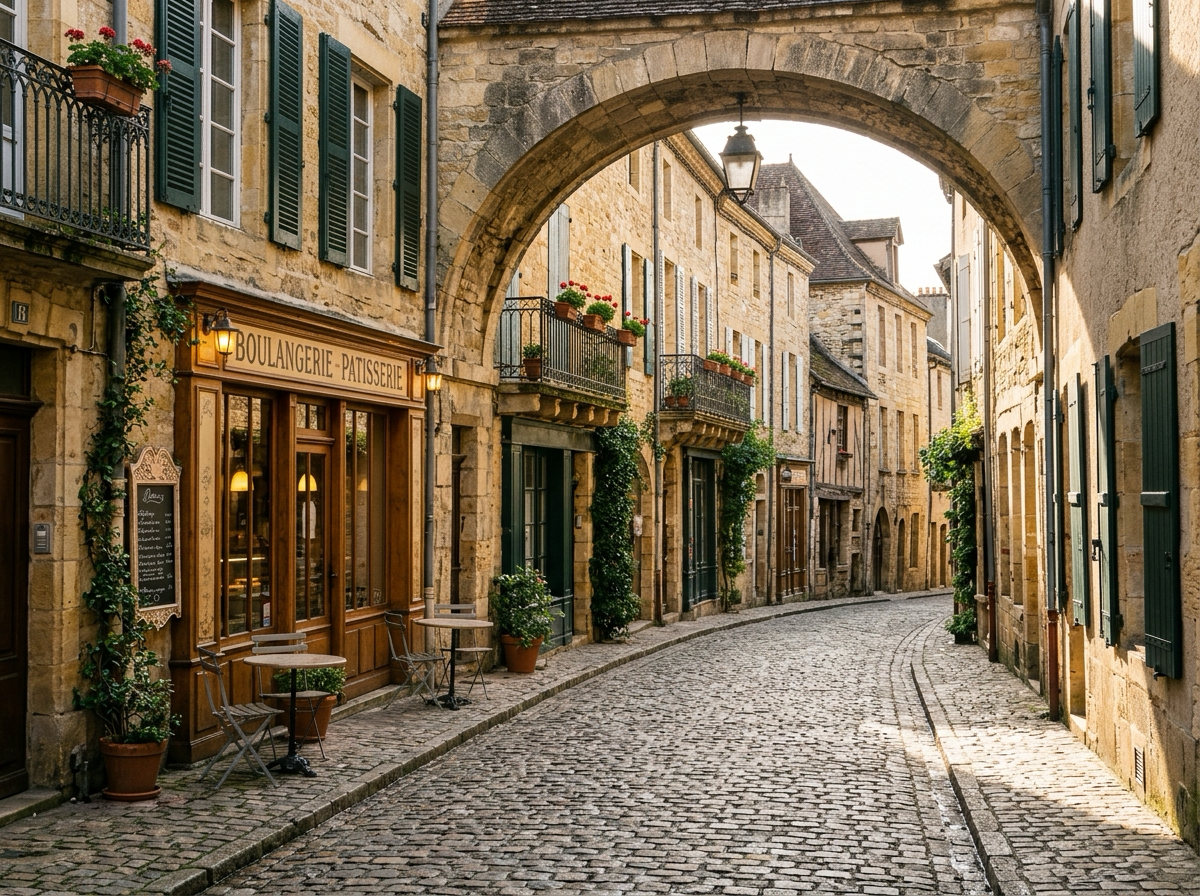
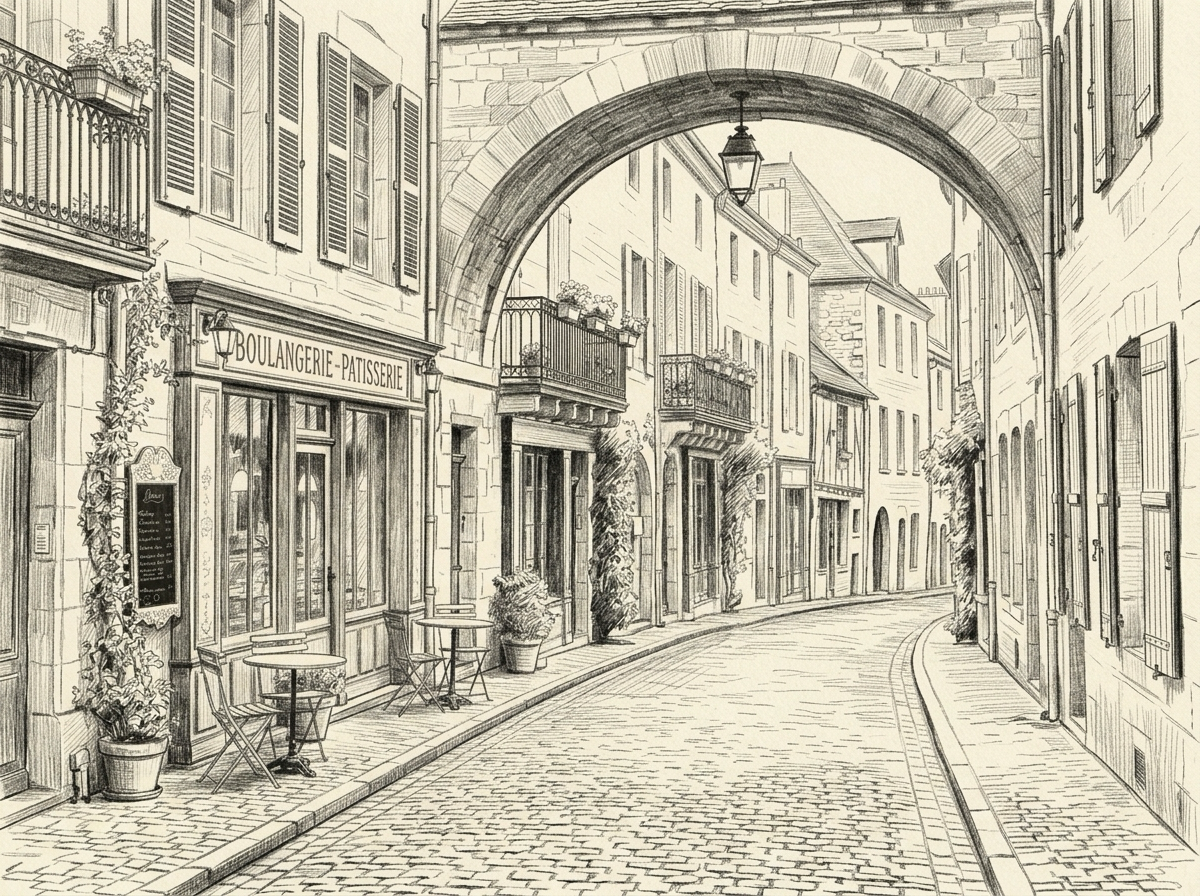
PHOTOSKETCHHistoric Street Photo to Architectural Sketch
Converts sunlit stone archways, cobblestone perspective, and shuttered balconies into clean travel-journal pencil shading with clear depth planes and grounded shadow hatching.
 PHOTO
 SKETCH
Studio Product Photo to Industrial Design Sketch
Reduces an amber glass dropper bottle on stone into crisp industrial-design contour lines and controlled specular hatching at 0.4 strength so proportions stay true for concept decks.
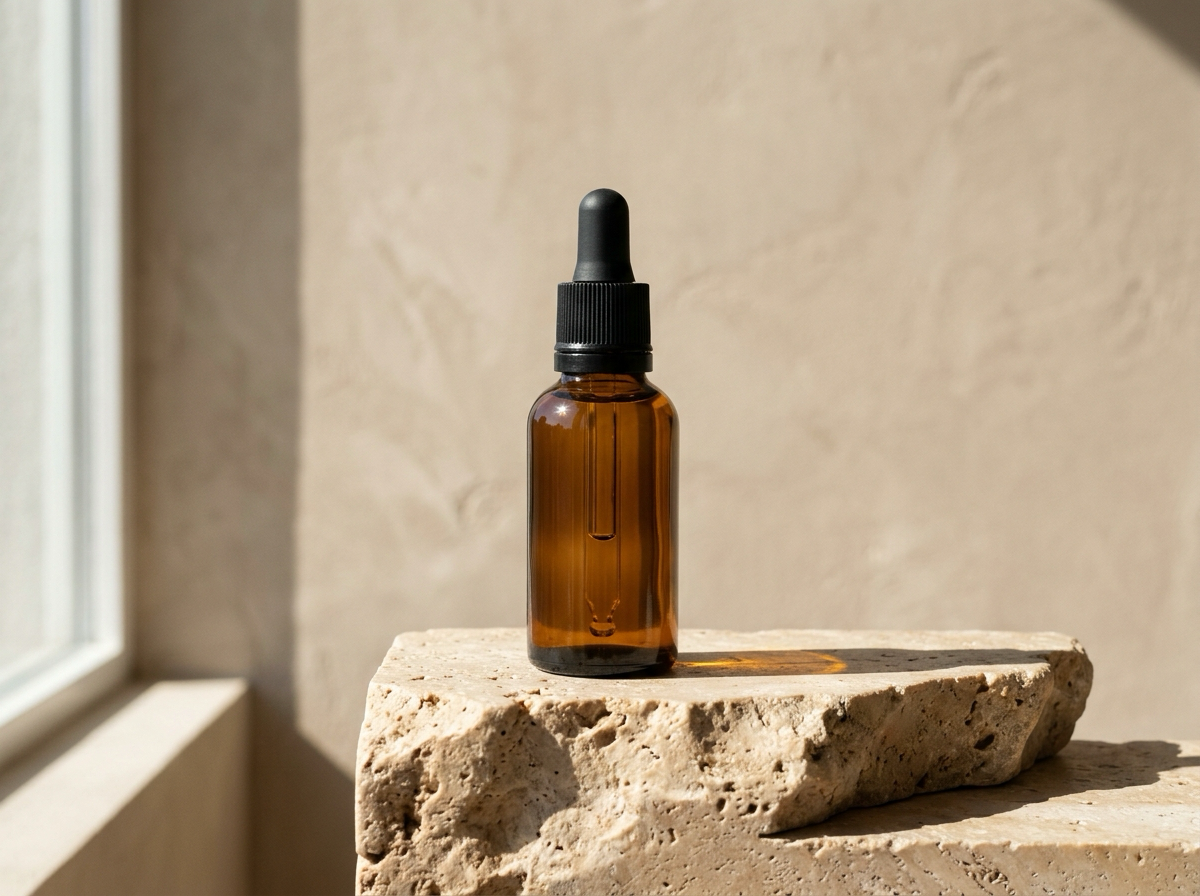 PHOTO
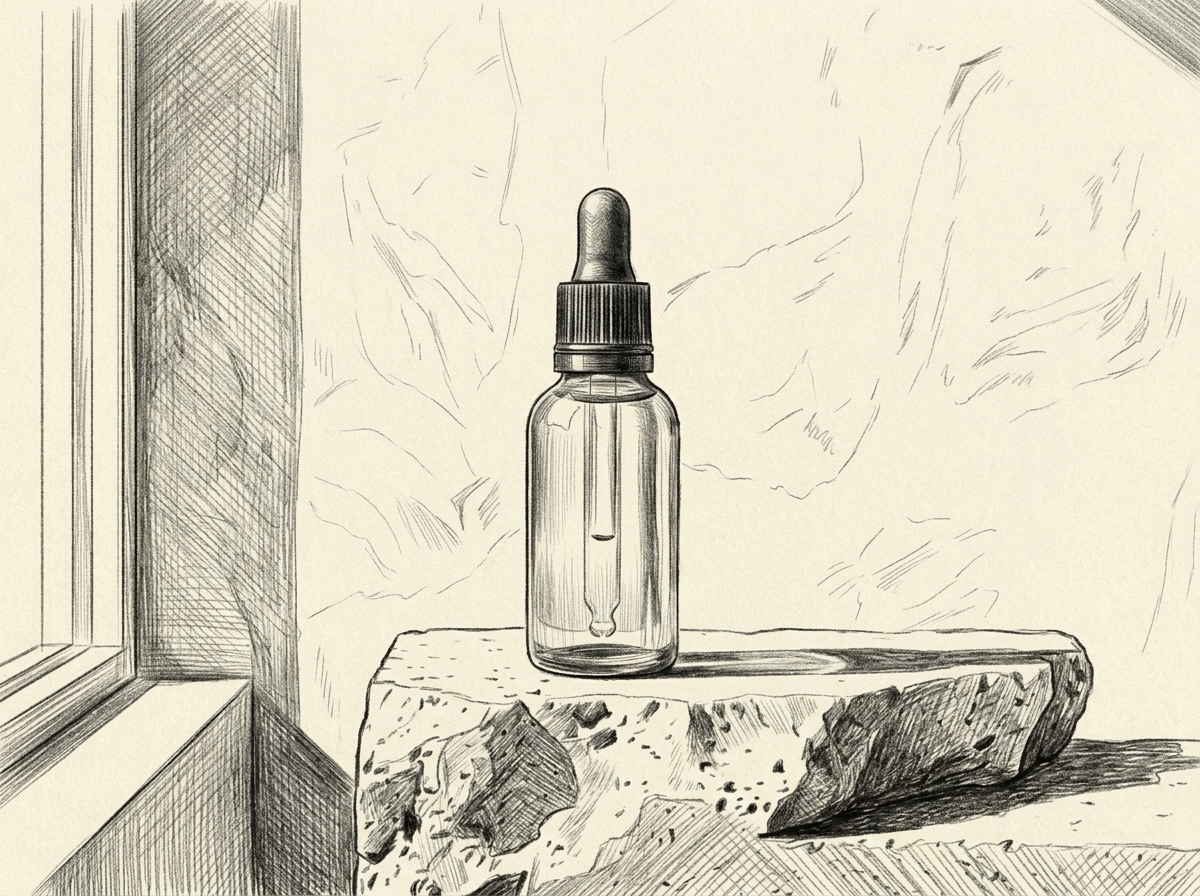 SKETCH
Wildlife Photo to Detailed Pet & Animal Sketch
Captures directional fur tufts, alert ear contours, and fine whisker strokes on textured drawing paper while simplifying busy pine foliage into light tonal washes.
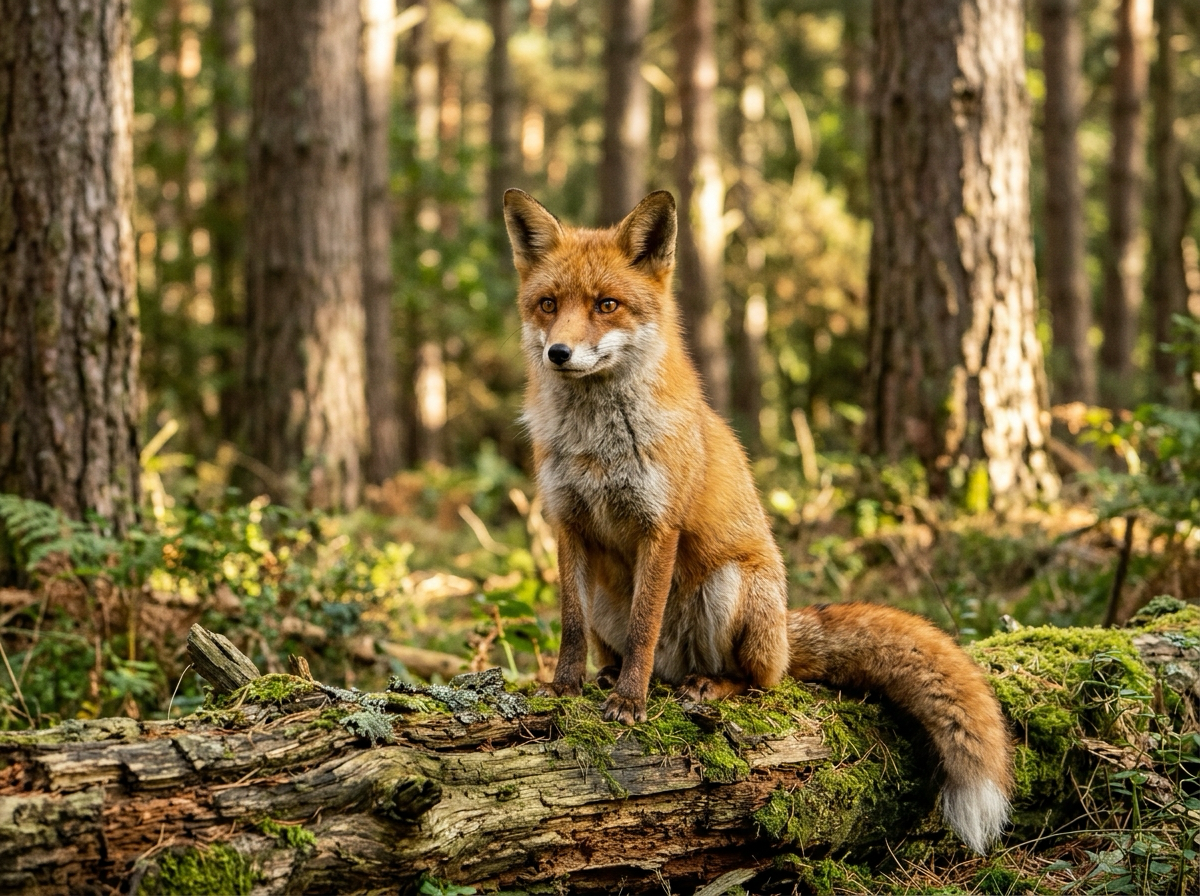 PHOTO
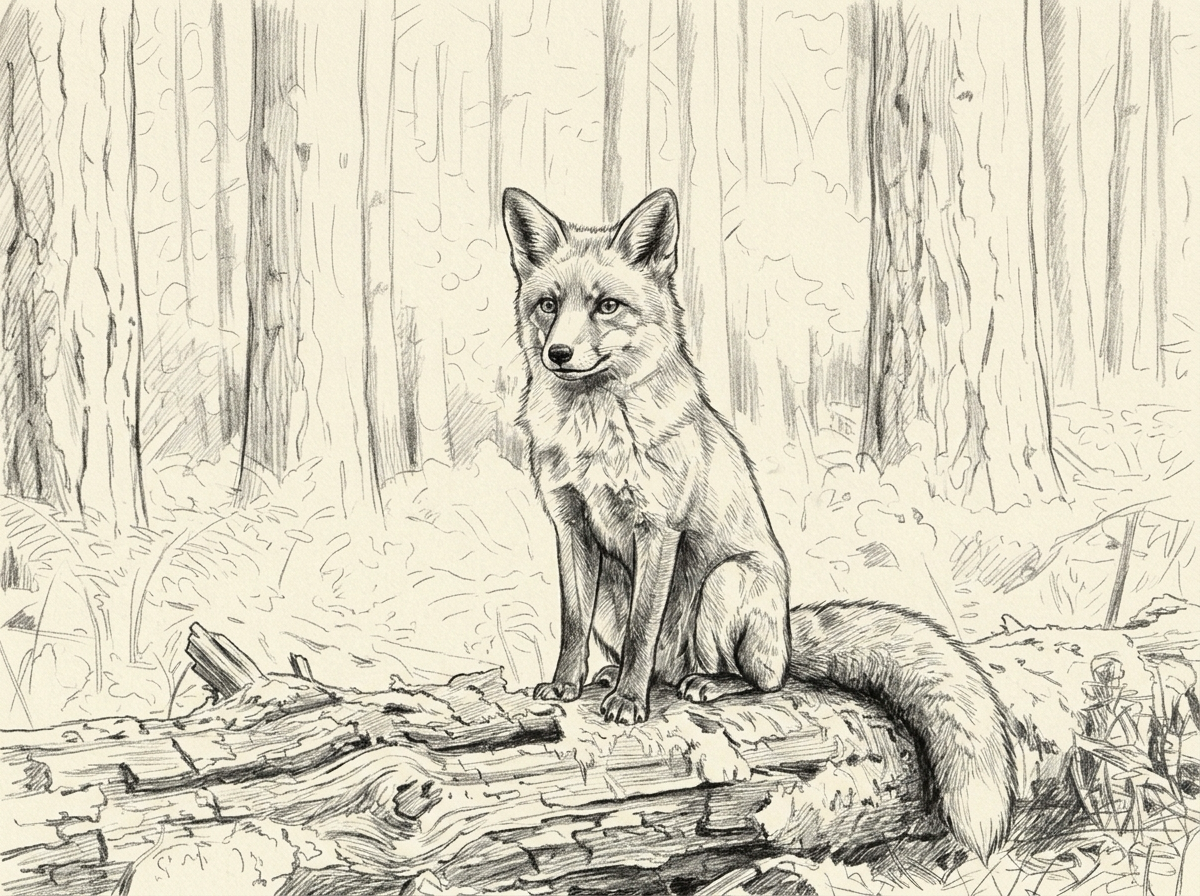 SKETCH
4 Hand-Drawn Sketch Mediums & Recommended Strength
Different source pictures call for different drawing techniques. Pick a medium below to see how denoising strength shapes line weight, shading density, and paper texture.
Classic Graphite Pencil
Best all-around photo to sketch option for portraits, couples, and family gifts. Balances delicate contour lines with tonal cross-hatching and subtle ivory sketchbook grain.
Best for: Portraits, pets, graduation & wedding keepsakes
Fine-Liner Ink & Urban Sketch
Produces crisp black technical-pen contours with selective stippling and hatching. Ideal when you want high contrast without soft gray smudges.
Best for: Architecture, cafes, street scenes, product manuals
Soft Charcoal Portrait
Builds a dramatic charcoal sketch with rich dark shadow masses, velvety tonal gradients, and luminous chalk highlights. Works best on side-lit close-ups where bold light defines the face.
Best for: Dramatic close-ups, black-and-white editorial avatars
Clean Line Art & Coloring Page
Strips away gray paper shading and midtone noise to leave bold, closed black outlines on pure white background for kids coloring books, embroidery transfers, or laser engraving.
Best for: Printable coloring sheets, tattoo stencils, tracing
Compare 5 Photo to Sketch Tools Online
Traditional one-click filters invert blurred edges, whereas generative diffusion actually draws strokes. Below is an honest comparison between our image to image AI studio and four popular picture to sketch alternatives across realism, likeness retention, limits, and pricing.
| Tool | Drawing Engine | Likeness & Style Control | Key Limitations | Free Tier & Price |
|---|---|---|---|---|
01Image to Image AI AI photo to sketch & img2img studio with numeric 0.2–1.0 strength | Conditional diffusion (Flux Kontext, Nano Banana, Pro 2.0) drawing real pencil, ink, or charcoal strokes | High — 0.4 locks facial identity and proportions; custom prompt picks graphite, ink, or pure white coloring outlines | 2 free 1K runs/day for guests; 2K high-res or batch exports require one-time credit packs | 2 free 1K/day (no login); one-time packs from $9.90 (365-day validity) |
02Photoshop Sketch Filters Desktop edge-detection & Color Dodge blend workflow | Deterministic Find Edges, Gaussian Blur, and Blend Mode layers with optional Generative Fill | Exact pixel alignment, but strokes look mechanical unless manually masked and brushed | Requires desktop subscription, multi-layer setup, and manual cleanup on busy backgrounds | No permanent free tier; Creative Cloud Photography plan from ~$9.99–$19.99/mo |
03Fotor / Canva Sketch Template-based online photo editors with preset sketch filters | Preset neural style transfers and fixed artistic filters (Pencil, Ink, Pop Sketch) | Fast one-click templates, but limited control over hatching density or paper removal | Free exports frequently carry watermarks or lower resolution; fine prompt tuning is restricted | Limited watermarked free trials; Pro subscriptions ~$8.99–$15/mo |
04ChatGPT Image Generation Conversational multimodal image restyling | Native multimodal generation guided by chat instructions | Rich artistic pencil texture, though faces and minor details can drift slightly across turns | No numeric denoising slider; free plan has strict daily caps and slower queue times | Limited free daily runs; ChatGPT Plus $20/mo |
05BeFunky / Clip2Comic Consumer web & mobile cartoon/sketch filter apps | Instant edge-contour and comic shader filters with sliders for ink thickness | Instant preview with exact silhouette match, best for casual social graphics | Looks closer to a digital filter than hand-drawn graphite; premium sketch presets sit behind paywalls | Basic filter preview free; full HD exports require ~$6.99–$14.99/mo subscription |
How to Convert a Photo to a Sketch in 4 Steps
Follow this repeatable photo to sketch workflow to turn portraits, pets, or landscapes into crisp pencil drawings without muddy shadows or distorted faces.
Upload a Clear, Well-Lit Photo
Drop a JPG, PNG, or WEBP image up to 24MB into the workbench. Even lighting and visible facial or architectural edges produce noticeably cleaner pencil contours than dim, heavily compressed snapshots.
Choose Your Sketch Medium & Prompt
Specify the exact drawing tool—2B graphite pencil, fine-liner ink pen, soft charcoal, or bold coloring-book outlines—plus whether you want textured ivory paper or a pure white background.
Dial Denoising Strength to 0.4–0.6
Start at 0.4 for portraits, product geometry, and printable line art where exact likeness comes first. Raise to 0.6 when you want looser, expressive cross-hatching and stronger artistic shading.
Download Watermark-Free or Upscale to 4K
Compare the before/after slider, download your 1K drawing in PNG, JPG, or WEBP with zero watermarks, or send it to our AI Image Upscaler when preparing large framed prints.
Convert this photograph into a realistic hand-drawn graphite pencil sketch on warm off-white sketchbook paper. Preserve the exact facial likeness, proportions, eye expression, and framing. Use crisp 2B contour lines, directional 4B cross-hatching for shadows, soft midtone shading, and clean negative space. No photographic color or blurry digital filter artifacts.Find Your Best Sketch Settings
Select your source subject, preferred drawing medium, and end use to get an exact photo to sketch strength preset and tailored prompt you can apply in one click.
01 / Source Photo Subject
02 / Desired Sketch Medium
03 / Final Output Goal
Denoising Strength
0.6 (balanced likeness + expressive hand-drawn shading)
Recommended Engine
Flux Kontext (default — most natural graphite & charcoal hatching)
Key Quality Tip
Use a well-lit close-up where eyes and contours are sharp—crop out distant crowd background before converting.
Honest Limitations: When Photo to Sketch Struggles
Even strong diffusion models cannot invent clear drawing lines from missing visual signal—knowing these five boundaries saves wasted retries.
Here is where AI picture to sketch conversions most commonly break down, along with the quick prep step that fixes each issue.
01Dark, Underexposed Shadows
Night photos or heavy backlit silhouettes hide hair edges and facial planes, causing graphite or charcoal shading to turn into flat black blocks. Lift shadow exposure slightly before uploading.
02Tiny Faces in Wide Group Shots
When a face occupies fewer than 80–100 pixels in a crowd photo, line work simplifies eyes and mouths and weakens likeness. Crop tighter around the main subject or process close-up portraits separately.
03Dense Text & Busy Pattern Clutter
Small storefront signs, plaid shirts, or chain-link fences can create noisy cross-hatching. Mention in your prompt to simplify background clutter so the focal subject stands out clearly.
04Paper Grain vs Pure White Printing
Warm sketchbook texture looks authentic on screen, but wastes printer ink on coloring sheets or tattoo stencils. Explicitly specify a pure white background with zero shading when printing line art.
05Raster Drawing vs True Vector SVG
This converter outputs high-detail raster drawings (PNG, JPG, WEBP) rather than editable Bézier SVG paths. If you need CAD or vinyl-cutter vectors, trace the clean high-contrast line art output in Illustrator or Inkscape.
Photo to Sketch FAQ
Direct answers on free daily limits, portrait likeness, coloring-page outlines, print resolution, commercial rights, and privacy.